1
/
of
8
WAVLINK
WAVLINK Laptop Docking Station, Quad Monitors, Dual HDMI, DisplayPort, VGA
WAVLINK Laptop Docking Station, Quad Monitors, Dual HDMI, DisplayPort, VGA
Regular price
$74.98 USD
Regular price
Sale price
$74.98 USD
Shipping calculated at checkout.
Quantity
Couldn't load pickup availability
About This
- Docking Station 4K@144Hz: Want lag-free high-refresh visuals for gaming and media entertainment? It supports single-screen 4K@144Hz ultra-high refresh output.Perfect for competitive gaming, high-definition movie watching and video production, it delivers professional-grade smooth visual experience. (Please check if your laptop’s Type-C port supports video output)
- Docking station quad display: Tired of inefficient single-screen multitasking? This multi-display docking station offers a perfect upgrade! Equipped with 2 HDMI, DP and VGA, it can expand 4 monitors simultaneously with flexible display modes. effectively boosting your work and study efficiency.
- Docking Station With 95w Power Delivery - Say goodbye to low battery! Docking station with 100W input, 95W output for laptop charging. Our products do not come with a charger, please use a 20V/5A/100W charger. (Pls Note: Please make sure that the USB-C port on the host laptop supports charging)
- Note - Not compatible with any MAC OS computer. Some Windows laptops only support 3 monitors(including the host screen) due to their graphic card limitations. please be aware of the maximum number of monitors your computer can support. Please make sure that the type-C port of your host supports charging and video output. Please make sure that your laptop supports DP1.4+DSC1.2, if not, the resolution will not be as high as mentioned above. The VGA port supports up to 1080P@60Hz, and the HDMI port supports up to 4K@60Hz.
Overview
- Brand : WAVLINK
- Color : Silver
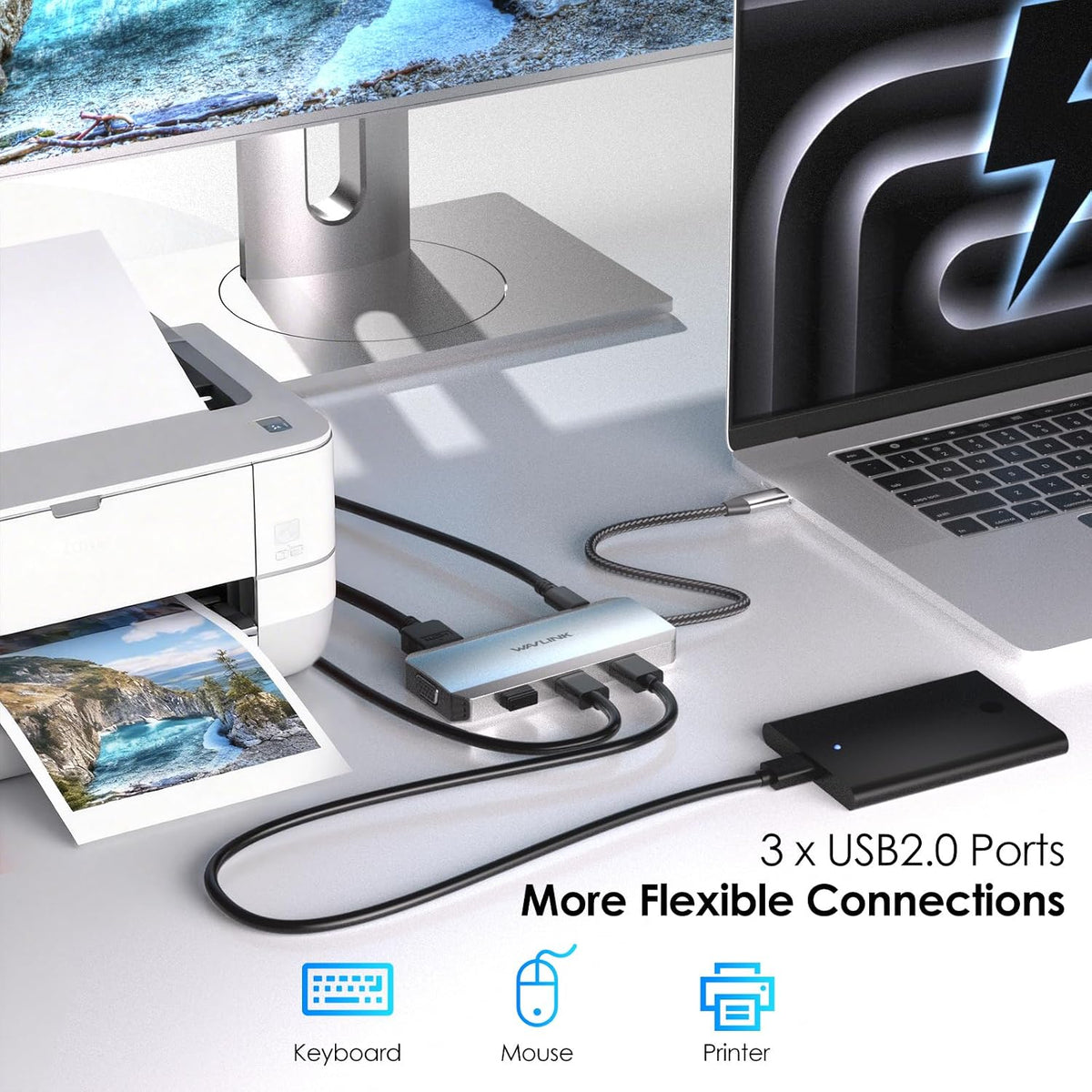
- Hardware Interface : DisplayPort, HDMI, USB 2.0
- Compatible Devices : Dell, HP, Lenovo, Windows
- Total USB Ports : 3
- Number of Ports : 8
- Total HDMI Ports : 2
- Wattage : 100
- Why buy this docking station ?
- Docking station for Professional Creative Work - lf you are a designer,editor, or photographer who frequently uses professional software such as PS PR AE, do what u need.lt single 4K@144Hz display, Supports up to three extended 4K displays.
- How to use this product ?
- 1. Connect: Plug the docking station into your computer, then connect the monitor to the docking station.
- 2. Power: Plug in the docking station's power cable.
- 3. Settings: On Windows, right-click the desktop → select [Extend/Mirror these displays].
- Does Mac OS support extending to different screens ?
- No! Due to limitations of the Mac OS chip, all extended displays will be identical.
- Why isn't my monitor responding ?
- Please ensure the USB-C port on your host laptop supports video output and charging functionality.
- If you're unsure, you can check the product detail page images or provide us with your laptop model.
- 2*HDMI + DP + VGA Dock
- 2*DP+HDMI +VGA Dock
- 2*DP+HDMI Dock
Share