1
/
of
8
TOPELER
TOPELER Smart Plug with Dual Outlet for Smarter Control & Energy Monitoring
TOPELER Smart Plug with Dual Outlet for Smarter Control & Energy Monitoring
Regular price
$35.98 USD
Regular price
Sale price
$35.98 USD
Shipping calculated at checkout.
Quantity
Couldn't load pickup availability
About This
- APP Remote Control: Control WiFi power outlets anytime, anywhere with the Smartlife App. Whether you're at home or away, easily turn electronics on/off, prevent energy waste, and enhance safety—no more worries about leaving appliances running
- Energy Monitoring: Track real-time power usage, current, and voltage with clear data and intuitive charts via the Smartlife App. View daily, weekly, and monthly energy reports to understand usage patterns, reduce waste and save on electricity bills Dual-Mode Stable
- Connection: Supports both WiFi (2.4GHz only) and Bluetooth for a faster, more reliable connection. Even if WiFi is offline, you can still control devices locally via Bluetooth. Easy setup through the Smart Life App—no hub required
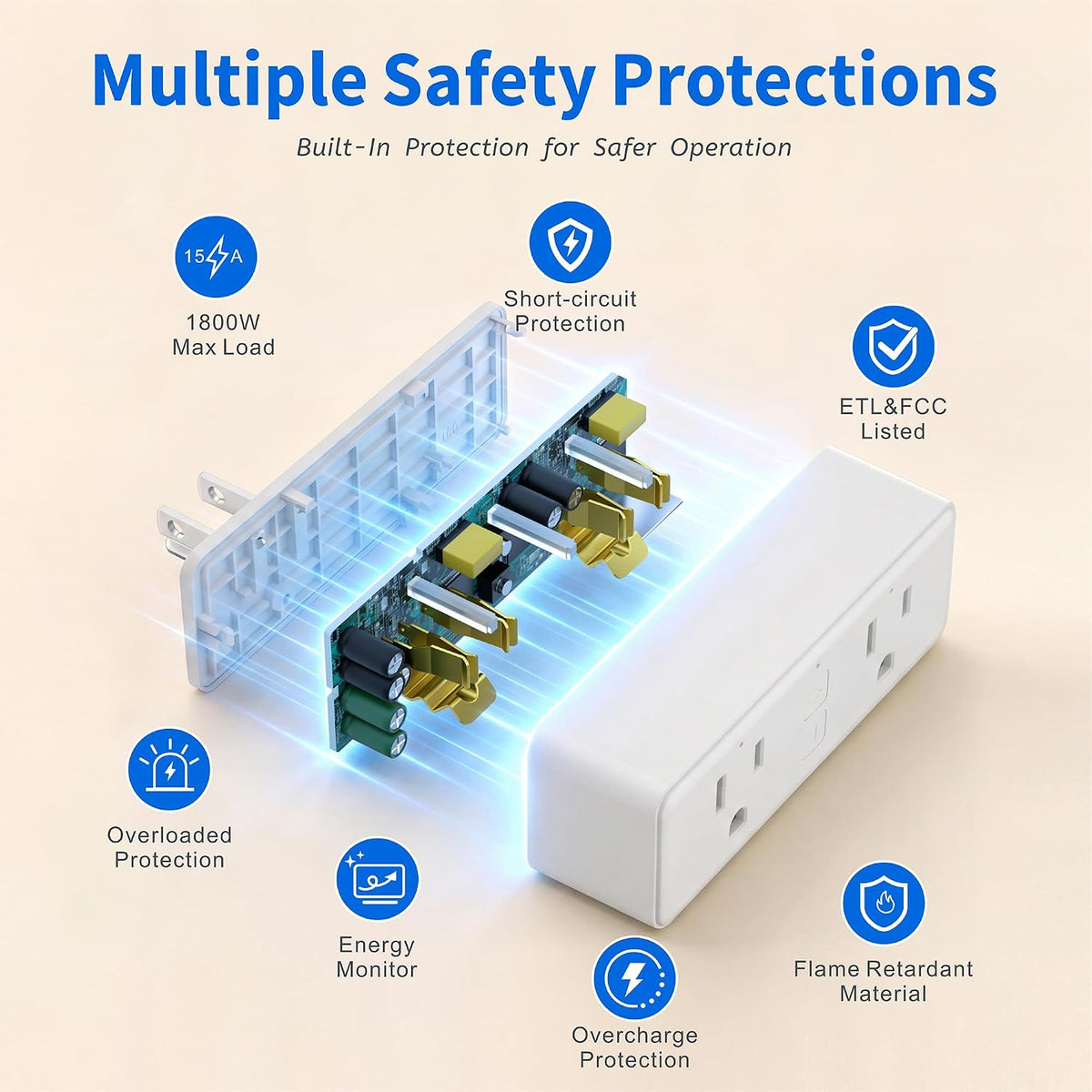
- Safe & Compact Design: ETL & FCC certified for reliable safety, this wifi plug built with fire-resistant materials and rated for 15A/1800W, suitable for most household appliances. Compact design won’t block adjacent outlets, making it ideal for any space
Overview
- Brand : TOPELER
- Color : White
- Voltage : 125 volts
- Material : Brass, Metal, Polycarbonate (PC)
- How to connect smart plug?
- 1. Download the Smart Life App and register for an account.
- 2. Power on the plug and ensure that the indicator is flashing.
- 3. The Smart Life App will automatically detect the plug.
- 4. Follow the on-screen prompts to complete the connection proces.
- How do I connect the smart plug to Alexa or Google Assistant?
- 1. Open the "Smart Life" app
- 3. Or, open the Alexa App, go to "Skills & Games", search for "Smart Life', and enable the skill.
- How Do I Connect Smart Plugs to a Dual-Band Wi-Fi Router?
- Option 1: Temporarily disable the 5GHz Wi-Fi network during setup, then connect the smart plug to the 2.4GHz network.
- Option 2: Create separate Wi-Fi names (SSIDs) for the 2.4GHz and 5GHz bands, then connect the smart plug to the 2.4GHz Wi-Fi only.
- What to do when connection fails
- 1. Unplug & hold 5s to reset
- 2. Reconnect via AP mode (check the guide).
- 3. f not connecting, check for Smartlife-x' hotspotin AP- Mode. f not found, plase reach out to the support team for a new one. Iffound, check your routersettings.
- 1. Only support 2.4Ghz WiFi while connecting with APP.
- 2. Support Android 6.0 or iOS 13.0 or above.
- How to connect smart plug? 1. Download the Smart Life App and register for an account. 2. Power on the plug and ensure that the indicator is flashing. 3. The Smart Life App will automatically detect the plug. 4. Follow the on-screen prompts to complete the connection proces.
Share