1
/
of
8
WAVLINK
WAVLINK Laptop Docking Station, 4 Monitors for HDMI, Single 4K@144Hz
WAVLINK Laptop Docking Station, 4 Monitors for HDMI, Single 4K@144Hz
Regular price
$144.94 USD
Regular price
Sale price
$144.94 USD
Shipping calculated at checkout.
Quantity
Couldn't load pickup availability
About This
- Quad 4K Monitors - When you are still worried about the high price of displaylink and the inability of MST products to expand multiple displays for Mac OS, come and try our latest technology! WAVLINK quad monitor adapter can expand 4 displays for your computer and all are 4K resolution. No need to worry about system compatibility, just use it when you want!
- Universal Docking Station - Whether for design, office work, stock trading, or gaming, it offers flexible performance regardless of whether your device is a Mac or Windows. It supports single-display 4K@144Hz, dual-display 4K@144Hz + 4K@60Hz, triple-display 4K@144Hz + 2*4K@60Hz, and quad-display 4K@144Hz + 3*4K@60Hz. One product, all done!
- Docking Station with PD 3.1 - Say goodbye to low battery! This quad monitor adapter supports supper power PD3.1, 140W power delivery in, 130W for laptop charging. Please confirm that the type-c port of your laptop supports charging, pls use 20V/7A charing adapter(not include).
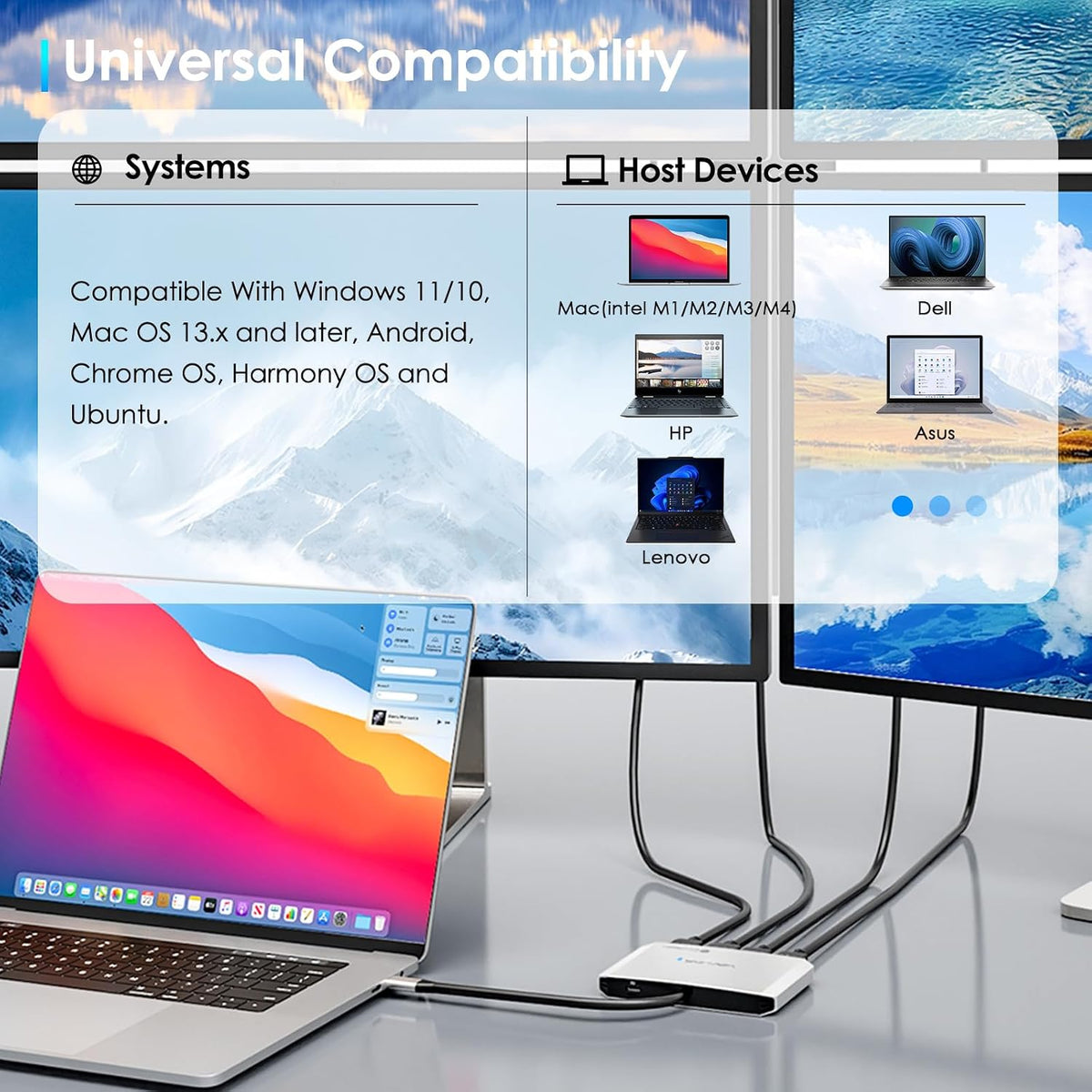
- Strong SMI770 Chip - Thanks to this chip, laptops with macOS can extend 4 different displays, which greatly unleashes the productivity of M1/M2/M3/M4. Also It compatible with a wide range of operating systems, including Windows 11/10, compatible with Macbook Neo,Mac OS 13.x and later, USB-C upstream is compatible with Thunderbolt 4/3 and full-functional USB4/3.2/3.1/3.0/2.0 Type-C hosts
- Note - Host USB3.2 Gen 2 Required. Driver required for this product, do not support plug and play, pls follow instruction manual and download the driver. For a 4K@144Hz display output, the USB-C port of the host must support DP Alt Mode or Thunderbolt 3/4/5 for it to work. Only the HDMI port with the "Alt mode" logo can reach 4K@144Hz.Don't compatible with Linux, iPad OS, iOS or Steam Deck.
Overview
- Brand : WAVLINK
- Color : Silver
- Hardware Interface : HDMI
- Compatible Devices : Macbook Neo, Windows, Mac, Linux, Chrome OS, Harmony Android
- Total USB Ports : 1
- Number of Ports : 4
- Total HDMI Ports : 4
- Wattage : 140
- Input Voltage : 20 volts_of_direct_current
- Why can't I select 4K@144Hz for my extended display?
- For a 4K@144Hz display output, the USB-C port of the host must support "DisplayPort Alt mode" coverted to HDMI or Thunderbolt 3/4 for it to work.
- Does it require any software installation?
- Yes, the SMI instantview driver must be installed before using the docking station. Detailed steps are provided on the product page and in the manual.
- Why am I unable to install/download the driver?
- Note: Security software may block or report errors during driver download/installation. Rest assured, the driver is safe and functional. Should this occur, please do not hesitate to enquire.
- Does my computer need USB 3.2 for this dock?
- Yes. Your laptop's USB-C port must support the USB 3.2 standard (or Thunderbolt 3/4) to enable all dock features like fast data transfer and stable video output. Check your computer's specs for "USB 3.2", "USB 3.1", or "Superspeed USB".
- Why is the macOS InstantView requesting to record my screen?
- InstantView requires screen recording permission to create a virtual display, which is necessary to overcome the limitations of Apple M1/2/3/4 chips. It uses this access solely to generate the image and does not record or retain any data.
- WAVLINK for business meeting
- Why can't I select 4K@144Hz for my extended display? For a 4K@144Hz display output, the USB-C port of the host must support "DisplayPort Alt mode" coverted to HDMI or Thunderbolt 3/4 for it to work.
- Does it require any software installation? Yes, the SMI instantview driver must be installed before using the docking station. Detailed steps are provided on the product page and in the manual.
- Why am I unable to install/download the driver? Note: Security software may block or report errors during driver download/installation. Rest assured, the driver is safe and functional. Should this occur, please do not hesitate to enquire.
Share