1
/
of
8
WAVLINK
WAVLINK USB C Docking Station Dual Monitor, Dual 5K/4K@60Hz Displaylink Docking Station for M1/M2/M3/M4 Mac or Windows, 13-in-1 Laptop Dock with 2X HDMI, 2X DP, 130WPD, Gigabit Ethernet, 5X USB, Audio
WAVLINK USB C Docking Station Dual Monitor, Dual 5K/4K@60Hz Displaylink Docking Station for M1/M2/M3/M4 Mac or Windows, 13-in-1 Laptop Dock with 2X HDMI, 2X DP, 130WPD, Gigabit Ethernet, 5X USB, Audio
Regular price
$240.69 USD
Regular price
Sale price
$240.69 USD
Shipping calculated at checkout.
Quantity
Couldn't load pickup availability
About This
- Dual 5K/4K Displays: Wavlink docking station powered by advanced DisplayLink technology, this dock drives stunning dual displays: two 5K@60Hz monitors via DisplayPort or two 4K@60Hz monitors via HDMI. Effortlessly create an extended or mirrored desktop to supercharge your multitasking, even on laptops that natively support only one external screen.
- 13-in-1 Dock: Organize your desktop with this versatile USB-C hub. It offers 13 practical ports, including 3 5Gbps USB 3.0 ports and 2 USB-C ports for fast file transfers; a stable Gigabit Ethernet port for lag-free network connections; and a 3.5mm audio/microphone port for your headphones. All your connections, in one integrated design.
- 100W Pro Power Delivery: Keep your most demanding laptops, fully powered and running at peak performance. This professional-grade docking station delivers a massive 100W of Power Delivery via the upstream USB-C port, ensuring zero battery drain even during heavy tasks like video rendering, 3D modeling, or compiling code.
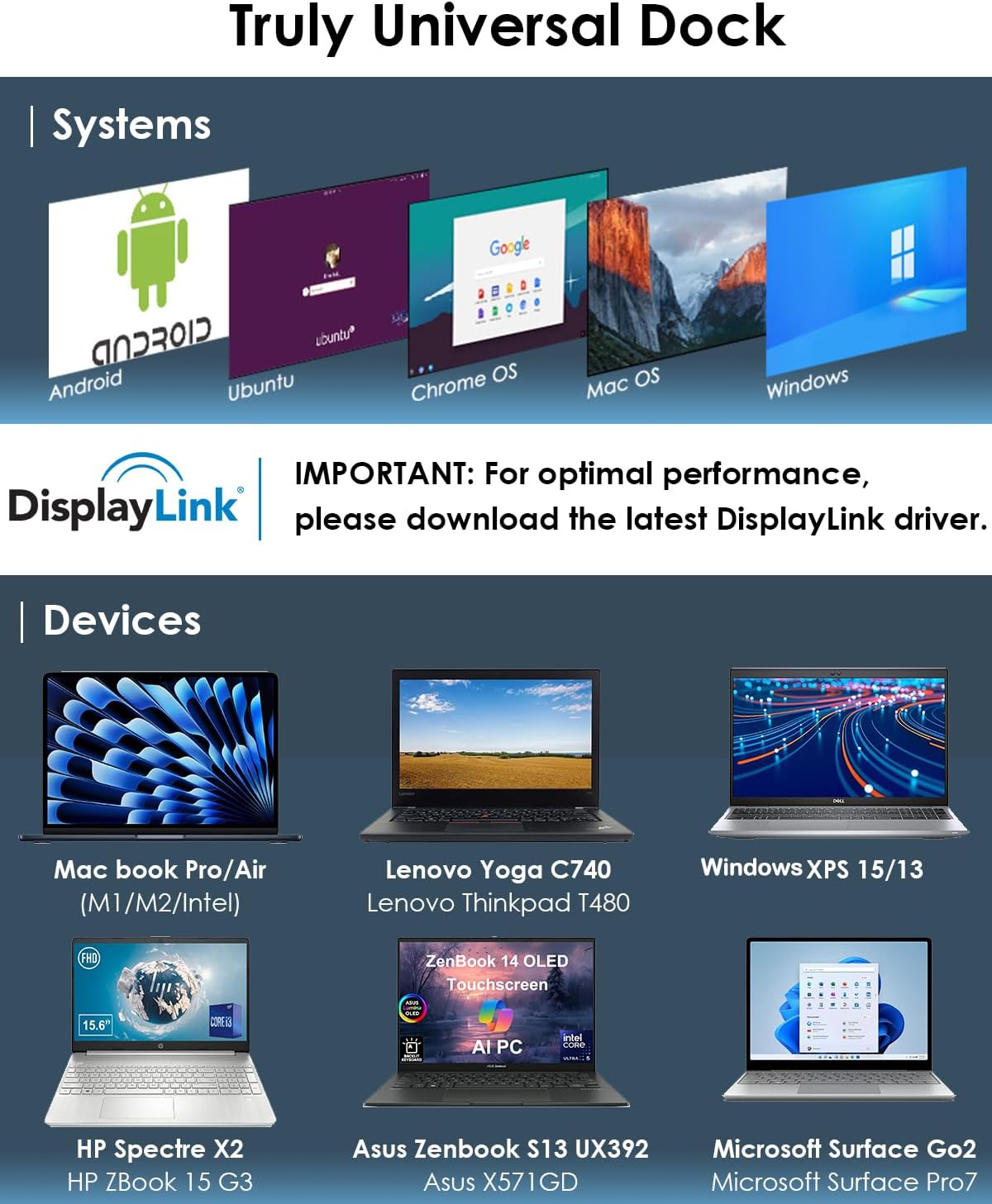
- Wide Compatibility: Wavlink docking station enables a MacBook to connect to two different displays via the DisplayLink driver, regardless of whether it is an M1/M2/M3/M4 model. Supports Windows 11/10/8.1/8/7/XP/Vista, Mac OS 10.14-14x and above versions, Chrome OS, Ubuntu, Android, Harmony OS. Incompatible with Unix systems, Linux, iOS and iPad operating systems. Note: The DisplayLink driver must be installed on your device to ensure correct media display functionality.
Overview
- Brand : WAVLINK
- Color : black
- Hardware Interface : USB
- Compatible Devices : Android v5.0 or later, MacBook M1 / M2 / M3, MacBook Pro 13''/14''/15''/16'',MacBook Air, Ubuntu 20.04, 22.04; Chrome OS, Windows 7/8.1/10/11/Vista See more
- Total USB Ports : 6
- Number of Ports : 13
- Total HDMI Ports : 2
- Wattage : 100
- Why can't I display multiple screens after installing the driver on my MacBook pro m1?
- For macOS, please follow these steps: Please follow these steps: Privacy & Security > Screen Recording > Allow "DisplayLink manager" to join in. If not solved, Please look for Wavlink official.
- Why do I put the HDMI cable no sound?
- 1) Open the 'Sound' menu by searching or right clicking the sound icon on the taskbar
- 2) In the Playback Tab, select the display with DP or HDMI
- 3) Click Set Default
- 4) Click OK to save the settings
- If not solved, Please look for Wavlink.
- What systems is this product compatible with?
- Windows 11/10/8/8.1/7, Windows Vista 7.7/ Windows XP 7.6Mac Os X 10.6-10.15,
- Chrome OS from build R51
- Android v5.0 (Lollipop) or Later.
- Is this docking station compatible with all HP laptops?
- This dock works with most HP laptops. A few latest EliteBook/ZBook may face boot/BIOS issues when Ethernet is connected at boot. Caused by BIOS design, not a hardware defect. If this happens, unplug Ethernet during boot and update to HP's latest BIOS
Share