1
/
of
8
ACASIS
ACASIS USB C to Dual HDMI DisplayLink Adapter for Mac M1/M2/M3/M4/Windows | USB C DisplayLink Docking Station with 2HDMI 4K@60Hz, 3USB-A Ports, 100W PD Charging ,USB A/C to Dual Monitor,Grey
ACASIS USB C to Dual HDMI DisplayLink Adapter for Mac M1/M2/M3/M4/Windows | USB C DisplayLink Docking Station with 2HDMI 4K@60Hz, 3USB-A Ports, 100W PD Charging ,USB A/C to Dual Monitor,Grey
Regular price
$119.98 USD
Regular price
Sale price
$119.98 USD
Shipping calculated at checkout.
Quantity
Couldn't load pickup availability
About This
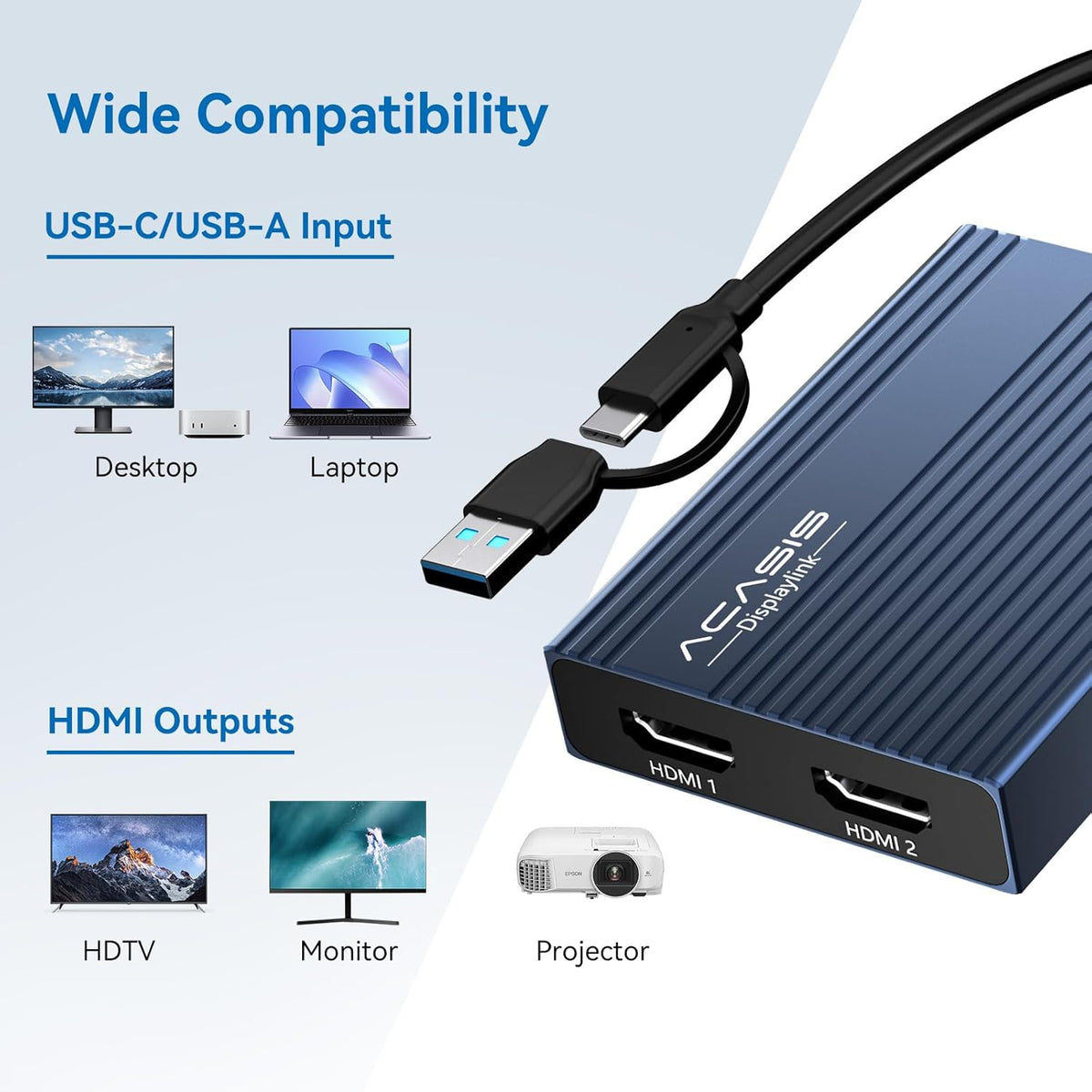
- Dual 4K@60Hz Extended DisplaysTransform your laptop into a productivity powerhouse! This USB-to-HDMI adapter adds two crystal-clear 4K monitors (up to 60Hz) via a single USB-C/USB-A port. Perfect for multitasking, office work, or coding—seamlessly compatible with Mac M1/M2/M3/M4/M5/Neo and Windows PCs. (Note: This displaylink adapter Not for gaming/HDCP content.)
- DisplayLink Technology + Driver RequiredUnlike basic HDMI adapters, this uses advanced HDMI dual monitor adapter tech to extend screens without relying on your laptop’s native video output. Works with macOS & Windows—just install the driver (download link included). Note: Unplug only when the computer is off.
- 100W PD Fast Chargingusb to hdmi adapter Keep your MacBook Pro/Air (M1/M2/M3/M4/M5/Neo) or Dell/HP laptop powered up while working! The 100W USB-C PD port delivers high-speed charging, so you won’t drain your battery during long sessions.
- 3x USB-A Ports for Peripheralshdmi splitter extended display can connect your mouse, keyboard, and flash drives effortlessly with 3x USB-A ports (480Mbps speed). Ideal for office setups—though not for large file transfers.
- Sleek & Portable Aluminum DesignDitch messy cables! This compact, lightweight aluminum hub stays cool under pressure and slips into your bag for work-from-home, coffee shops, or travel.
Overview
- Brand : ACASIS
- Color : Gray
- Hardware Interface : HDMI
- Compatible Devices : #1 in DisplayLink Adapter
- Total USB Ports : 3
- Number of Ports : 6
- Number of Items : 1
- Number of Packs : 1
- This is a legitimate functional requirement, not privacy theft. The process is secure when using official drivers, and you maintain full control over this permission in your system settings.
- 2.Try using a different HDMI cable.
- 3.Test with another monitor.
- If the issue persists, please contact our support team.
- DisplayLink Adapter (Grey)
- DisplayLink Adapter (Black)
- DisplayLink Adapter (Silver)
- 2*HDMI 2.0 4K@60HZ
- 3*USB-A 2.0 480Mbps
Share