3.3 Feet VHS to Digital Converter, Type-C/USB 2.0 Video Cpture Card | RCA AV to USB Audio Video Converter, 1080 Video Capture Device Convert VHS VCR DVD to Digital Adapter for Windows, Mac OS
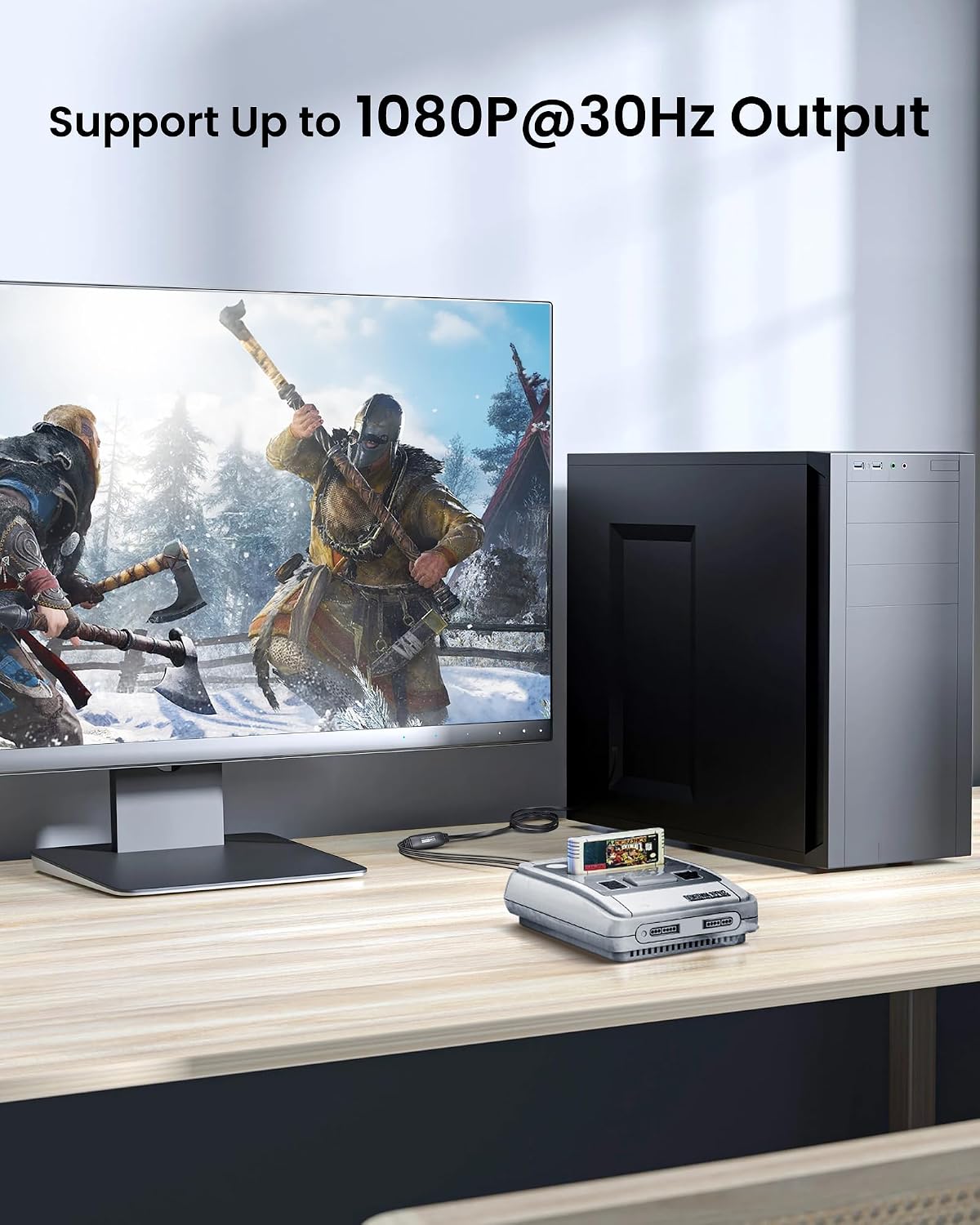
RCA to USB Converter: This USB Capture Device can convert anolog RCA composite input into high-definition USB output, the maximum output resolution can reach 1920x1080@30Hz, suitable for camcorders, set-top boxes, boxes, DV camcorders, DVD, VHS, VCD, VCR, DVR and other devices. (Note: Only compatible with NTSC/PAL formats)
USB2.0 Video Capture: Supports RCA and S-Video input, USB 2.0/Type-C capture, the RCA to USB Capture Card is compatible with most current laptops, ensuring stable video capture and transmission.
3.3ft/1m USB Cable: avedio links USB2.0 capture card is equipped with 3.3 feet USB capture cable, reduce the use of troubles caused by short cables and improve operational flexibility.
Wide Compatibility: Compatible with Windows and MacOS operating systems and supporting video capture software such as OBS, Potplayer, etc., this RCA to USB Capture Card is ideal for video production, screen recording and other scenarios.
Packing List: RCA&S-Video to USB Capture Card*1, USB A to Type-C converter*1, CD*1, 5ft S-Video Cable*1, RCA Converter*1, User Manual*1.
Overview
Compatible Devices : Digital Camera, Gaming Console, Laptop, Personal Computer, VHS