1
/
of
8
Amazon
VIVO Heavy Duty Ultrawide Monitor Arm for 57 inch Screens up to 59.4 lbs, Desk Mount TV and Monitor Stand Designed for Samsung Odyssey Ark, Neo G9, ViewFinity S9, and More, Black, STAND-GT57
VIVO Heavy Duty Ultrawide Monitor Arm for 57 inch Screens up to 59.4 lbs, Desk Mount TV and Monitor Stand Designed for Samsung Odyssey Ark, Neo G9, ViewFinity S9, and More, Black, STAND-GT57
Regular price
$173.99 USD
Regular price
Sale price
$173.99 USD
Shipping calculated at checkout.
Quantity
Couldn't load pickup availability
About This
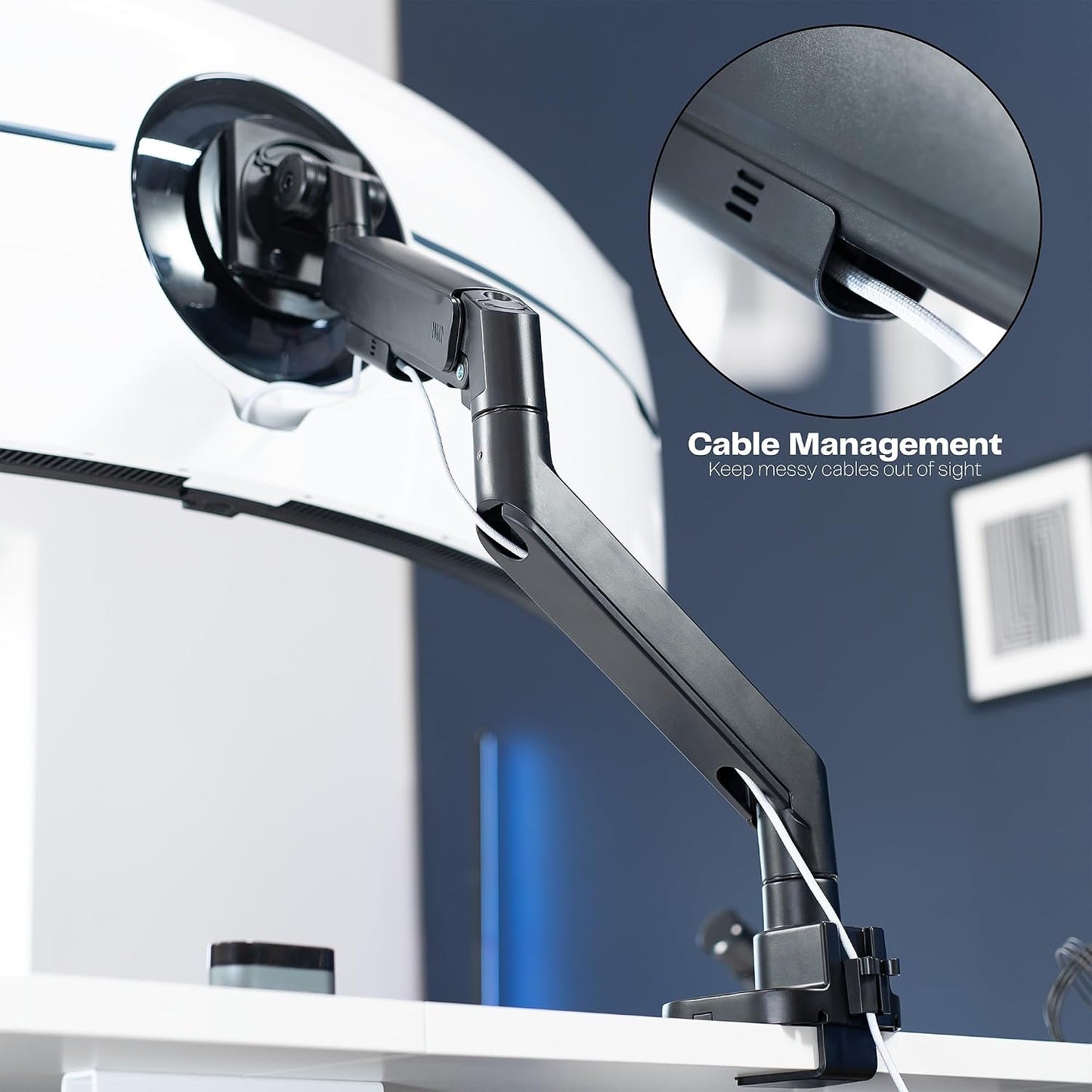
- Ultrawide Compatibility: Single mount for ultra-wide monitors up to 57” and TVs up to 55” in size, weighing up to 48.4 lbs (curved screens) or 59.4 lbs (flat screens). Supports VESA 75x75, 100x100, 100x200, 200x100, and 200x200mm hole patterns
- Pneumatic Gaming Mount: Premium spring-assist arm perfectly counterbalances the weight of your monitor for optimal ergonomic height adjustments (11.8” total). Ideal for gaming setups, this heavy-duty mount easily repositions large screens at the touch of a hand
- Top-Side Clamp Installation: The clamp and optional grommet bolts tighten above the desk surface (up to 1.5” thick) for convenient mounting. A reinforcement plate is provided for additional security
- Detachable VESA Plate: Mounting your ultra wide monitor is made easier with the detachable VESA plate, and all instructions and hardware are provided for proper assembly
Overview
- Mounting Type : Tabletop Mount
- Movement Type : Articulating
- Brand : VIVO
- Material : Steel, Plastic
- Color : Black
- Compatible Devices : Monitor
- Maximum Tilt Angle : 55 degrees
- Number of Packs : 1
- The ultimate ultra-wide mount designed for monitors and TVs, this heavy-duty stand perfectly counterbalances the weight of your 24” to 57” screen (up to 59.4 lbs) for optimal ergonomic positioning.
- Lost your adapter?
- Loosen the screw inside the base to open the desk clamp to fit your desk thickness. Install to desk and tighten.
- Place lower arm onto the base. Install the upper arm onto the lower arm then tighten both set screws accordingly.
- Remove the VESA plate from the bracket and attach to the back of the monitor/TV. Use included mount extensions if needed.
- Line up the VESA plate on your monitor with the VESA bracket. Place the plate hooks into the pockets of the VESA Bracket. Secure with thumbscrews.
- Adapter Required for Samsung G9 Lost your adapter? MOUNT-SG9
- Previous page
- COUNTERBALANCE HEIGHT
- STEEL CONSTRUCTION
Share