1
/
of
8
CalDigit
CalDigit E5 - Thunderbolt 5 Element 5 Hub - 9 Ports, 4 x Thunderbolt 5/USB4 v2, 3 x USB-A & 2 x USB-C 10Gb/s, Single 8K, Dual 6K/8K, or Two 4K@240Hz Displays, 90W Charging, 0.8m Cable 180W PSU
CalDigit E5 - Thunderbolt 5 Element 5 Hub - 9 Ports, 4 x Thunderbolt 5/USB4 v2, 3 x USB-A & 2 x USB-C 10Gb/s, Single 8K, Dual 6K/8K, or Two 4K@240Hz Displays, 90W Charging, 0.8m Cable 180W PSU
Regular price
$362.49 USD
Regular price
Sale price
$362.49 USD
Shipping calculated at checkout.
Quantity
Couldn't load pickup availability
About This
- Works with Thunderbolt 5, USB4 v2, Thunderbolt 4, USB4, Mac Thunderbolt 3, and some USB-C computers, including Apple M1-M5 (Max, Pro & Ultra), Windows laptops, and Chrome OS devices. It is also compatible with USB-C iPhones and tablets, including iPads and Windows tablets that feature Thunderbolt or USB-C. *Thunderbolt 5 or USB4 v2 is required for unrestricted functionality of the Element 5 Hub. Please visit our website for more details.
- 80Gb/s Performance & 120Gb/s Bandwidth Boost - The Element 5 offers unparalleled 80Gb/s performance when transmitting and receiving files. This makes it ideal for the unmatched 20 ports of connectivity this dock delivers. When users connect ultra high-refresh rate displays to the Element 5, this device will shift its allocation and provide up to 120Gb/s to the displays without the user ever thinking about it.
- 90W Power Delivery - Charge your laptop, tablet, or phone with up to 90W sustained power delivery. The Element 5 Hub’s compact and powerful 180W power supply allows the device to provide sustained power delivery at all times regardless of how many devices are connected to the hub. In total, you can connect 9 devices, all of which will be provided with full power. No slow drain, loss of charge, or incompatibility. In fact, the hub also features Offline Charging which allows you to charge devices even when the Element 5 Hub is not connected to a host computer.
- Windows: Connect up to THREE 4K@144Hz displays on compatible Windows Thunderbolt 5 host computers.* macOS: connect up to TWO 6K@60Hz or 8K@60Hz displays, or dual 4K@240Hz displays on Macs that support these resolutions. NOTE: Base M1-M3 Macs do not support dual displays. *Triple displays are not supported on macOS, Thunderbolt 4/3, or USB-C PCs. High-refresh rates require a host Mac or PC that supports high-refresh rates.
Overview
- Brand : CalDigit
- Color : Space Gray
- Hardware Interface : Thunderbolt 3, Thunderbolt 4, USB 3.1 Type A, USB 3.1 Type C, USB 3.2 Gen 2
- Compatible Devices : MacBook Air, MacBook Pro, iPad Pro, iPad Pro 2
- Total USB Ports : 5
- Number of Ports : 9
- Wattage : 180
- Input Voltage : 120 volts
- The CalDigit Element 5 Hub (E5) offers more ports than any other Thunderbolt hub while maintaining the compact size of its predecessor. With high-end features like 90W host charging, up to 120Gb/s connectivity, and support for three 4K displays on Windows Thunderbolt 5 PCs, it’s the perfect solution for expanding workflows without clutter. Connect what you need, when you need.
- Ultimate Compatibility
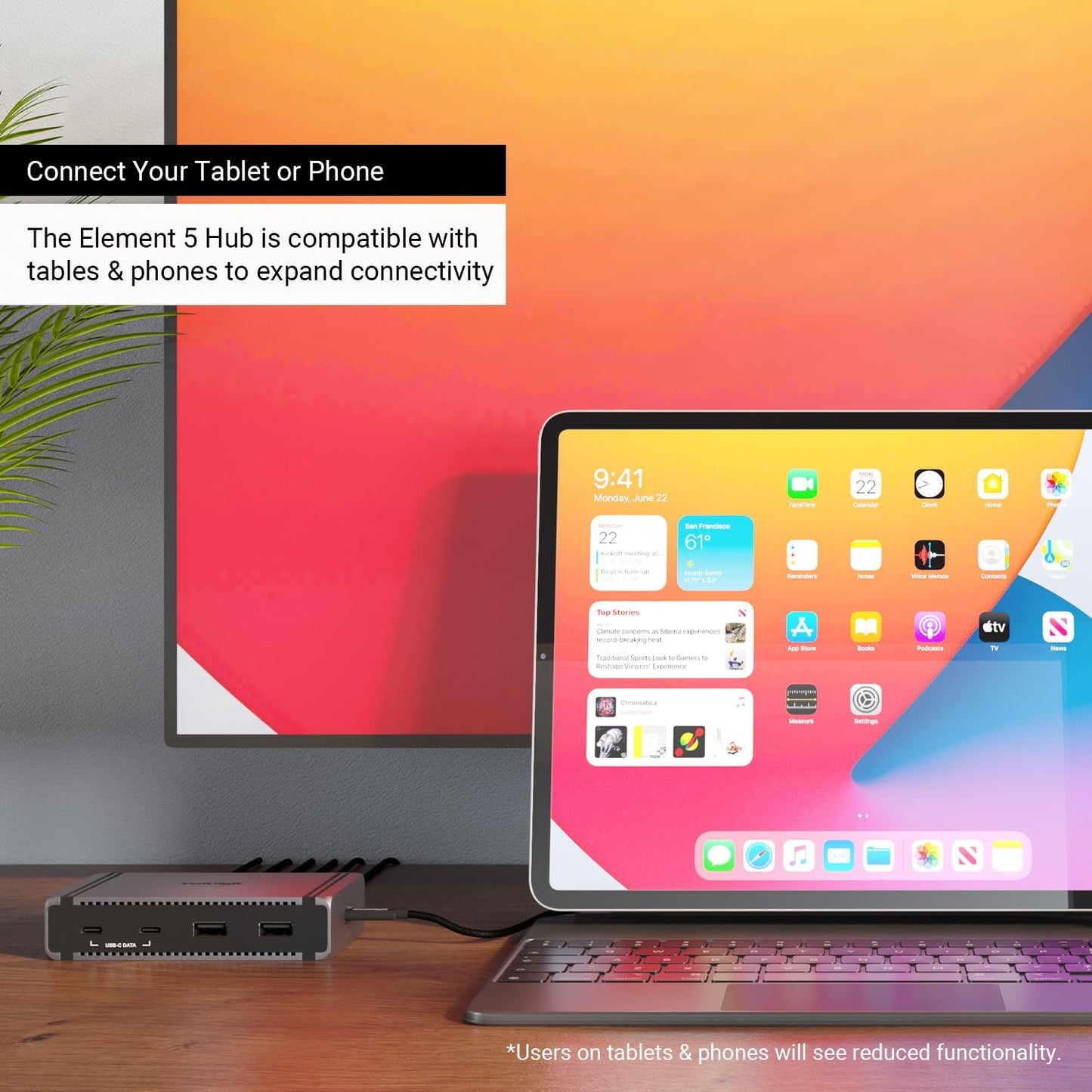
- The Element 5 Hub is compatible with Thunderbolt 5, Thunderbolt 4, Thunderbolt 3 Macs, USB4, USB4 v2, and USB-C devices. This also includes USB-C or Thunderbolt iPads, iPhones, Windows tablets and more*.
- *The Element 5 Hub does not support Thunderbolt 3 Windows PCs. Users on Thunderbolt 3, Thunderbolt 4, and USB-C host computers, tablets, or phones will see reduced functionality.
- Single, Dual, or Triple Displays
- Whether you need a high-resolution display, a high-refresh rate display, or up to 3 external displays, the Element 5 Hub has you covered.
- Single Monitor
- If you’re looking to add a single monitor to the Element 5 Hub you can connect it to one of the spare Thunderbolt 5 ports. If you wish to connect an HDMI monitor you can use a USB-C to HDMI Adapter ***.
- Dual Monitors
- macOS users on base M4, M1/M2/M3/M4 Pro, M1/M2/M3/M4 Max, M1/M2 Ultra, or Intel based Macs can connect up to dual displays.
- M1/M2/M3 based Macs are limited to 1 external monitor by design via their Thunderbolt ports.
- Windows PC Thunderbolt 5 and Thunderbolt 4 users can connect up to dual displays.
- Triple Monitors
- macOS does not support Triple monitors via a Thunderbolt Dock or Hub.
Share