1
/
of
8
BINZET
USB 3.0 4K Video Capture Card for PS5/Switch/Xbox/PC | 1080P60Hz/2K30Hz/4K18Hz Capture, 4K60Hz HDMI Loop-Out, High-Speed Interface, OBS Compatible, Near-Zero Latency, Plug & Play
USB 3.0 4K Video Capture Card for PS5/Switch/Xbox/PC | 1080P60Hz/2K30Hz/4K18Hz Capture, 4K60Hz HDMI Loop-Out, High-Speed Interface, OBS Compatible, Near-Zero Latency, Plug & Play
Regular price
$38.72 USD
Regular price
Sale price
$38.72 USD
Shipping calculated at checkout.
Quantity
Couldn't load pickup availability
About This
- 4K Loop-out with Muliti Capture: This HDMI game capture card features 5 ports, supporting 4K 60HZ HDMI input/loop-out and USB3.0 1080P 60fps/2K30fps/4K18fps output. It meets high frame rate capture needs, compatible with YUY2 format, suitable for online capture, recording, meetings, and live games
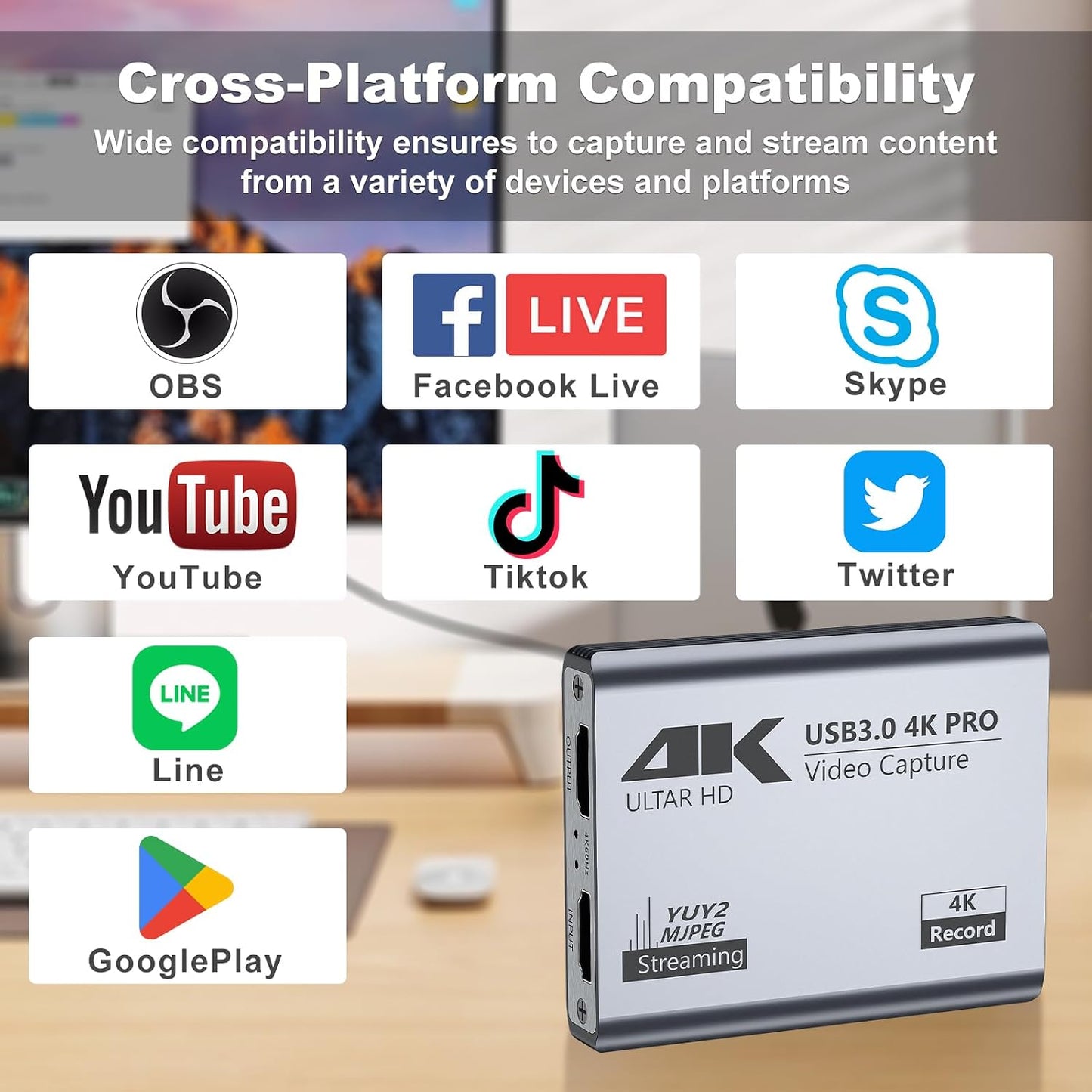
- Wide Compatibility: Compatible with Facebook, YouTube, Twitch, and various OS/software like Windows, Mac, Linux, Android, and works with devices such as PS5, Xbox, Switch, DSLR, and more. It captures video/audio simultaneously, transferring signals to computers for preview/storage
- Versatile USB-A/C Dual Interface: This HDMI capture card features USB 3.0 Type-C and Type-A cable with low delay for USB-A and USB-C recording devices. It supports MJPEG and YUY2 video formats, users can select different resolution for clarity, making it perfect for both casual and professional streaming scenarios
- Stable and Low Latency: Made of high-quality aluminum alloy, this capture card ensures strong heat dissipation and stability. It avoids blue screens and lag, supporting easy high-quality audio/ideo recording and transfer to computers or streaming platforms
- 3.5mm Audio I/O: With 3.5mm audio input/output, it allows for connecting a streaming microphone and headphones, enabling real-time commentary and game sound enjoyment, and helps capture and separate the HD video and audio signal
Overview
- Brand : BINZET
- Hardware Interface : USB, USB 3.0, USB 3.0 Type C
- Video Capture Resolution : 4K
- Operating System : Linux, Mac Os, Windows
- Recommended Uses For Product : Game Capture, Video Recording
- Previous page
- Before Connecting
- Setting for OBS
- Find Us for Help
- Power Supply
- No Extra Power Supply Needed
- HDTV Input Resolutions
- 720×480(60p), 720×576(50p), 1280×720p(50p) 1280×720p(60p), 1920×1080(50i), 1920×1080 (60i), 1920×1080(24p), 1920×1080(25p), 1920×1080(30p), 1920×1080(50p), 1920x1080(60p), 3840x2160(30p), 3840x2160(60p)
- HDTV Output Resolution
- 720×480 (60p), 720x576(50p), 1280×720p(50p) 1280×720p(60p), 1920×1080(50i), 1920×1080(60i), 1920×1080 (24p), 1920×1080 (25p), 1920×1080 (30p), 1920×1080 (50p), 1920×1080(60p), 3840x2160(30p), 3840x2160(60p)
- USB3.0 Output Resolutions
- 720×480 (60p), 720×576(50p), 1280×720p (50p) 1280×720p(60p), 1920×1080 (50i), 1920xx 1080(60i), 1920×1080 (24p), 1920×1080(25p), 1920×1080(30p), 1920×1080(50p), 1920×1080(60p), 1920×1200(60p), 2048×1152(60p), 2560×1600(30P), 3840×2160(18p)
- Support Console Device
- PlayStation 3/4, Xbox One, Switch, Wii U or pretty much any other console
- Computer Software Supply
- OBS Studio(windows,OSX); Windows Media Encoder(Windows); Adobe FlashMedia Live-Encoder(Windows,OS X); RealProducer Plus(Windows); VLC(Windows,OSX,Linux); QuickTime Broadcaster(OSX); QuickTime Player(OSX); Wirecast(Windows,OS X); vMix(Windows); Potplayer(Windows) and etc
- About Connection
- Avoid using USB hubs or extenders; they might not work. Plug directly into your PC, Mac, or laptop; If you have multiple devices connected, select the correct audio input; For DSLR or camera connections, complete camera settings and restart to ensure input
- About Performance
Share