1
/
of
8
INPHIC
INPHIC IN9 Wireless Gaming Mouse, Real Tri-Mode 10k DPI Fully Programmable
INPHIC IN9 Wireless Gaming Mouse, Real Tri-Mode 10k DPI Fully Programmable
Regular price
$52.48 USD
Regular price
Sale price
$52.48 USD
Shipping calculated at checkout.
Quantity
Couldn't load pickup availability
About This
- IN9 Bluetooth Gaming Mouse boasts stable ., . , - connections, ensuring minimal latency and steadfast stability. Compatible with Windows, macOS, Chrome OS, Linux, iOS & Android. The Nano USB receiver stores inside the ergonomic laptop mouse.
- & With high precision tuning technology, this Bluetooth mouse samples at 1000 times per second, providing swift response times. Adjustable (---) cater to various scenarios. Its - sensitivity adjustment (/////), caters to diverse tasks, whether for work, gaming, or on-the-go productivity.
- Upgraded of the mouse design, at a glance, you'll know the remaining battery, as well as an indication of when it's time to recharge. and give you a sense of security. Equipped with intelligent power-saving modes, the mouse prolongs battery life effectively. It automatically switches to static mode after 3 minutes of inactivity and deep sleep mode after 10 minutes. Disabling RGB lighting conserves power, offering up to 100 hours of usage in static mode. Additionally.
- This wired / wireless gaming mouse features , users can tailor commands and macros using Inphic's customized driver ( ). The onboard memory stores these settings, facilitating seamless transitions between devices.
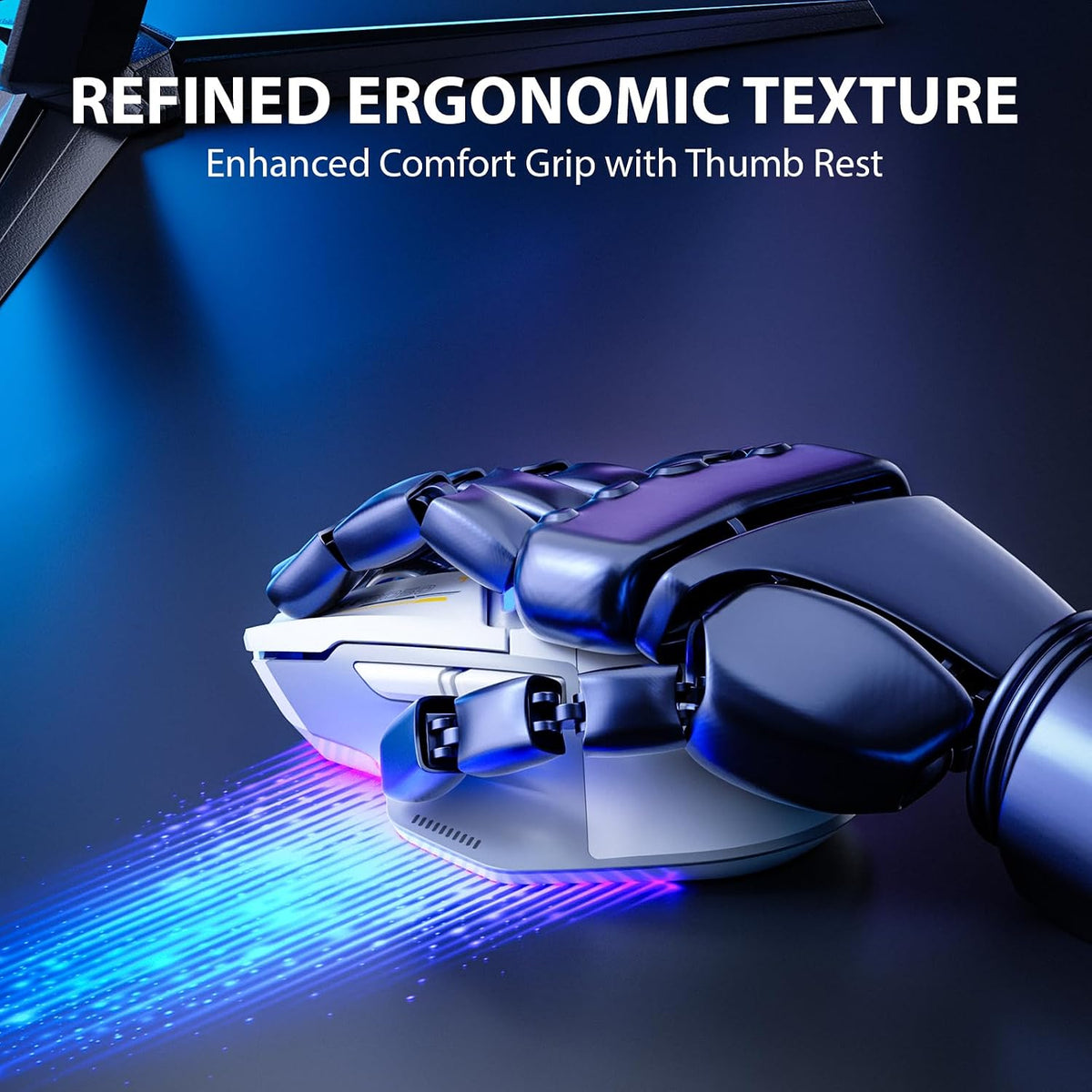
- Crafted with an ergo left-high-right-low structure, this ergonomic mouse ensures comfortable usage while safeguarding the wrist from strain. Its smooth, durable surface resists fingerprints, while the textured thumb area, non-slip scroll wheel, and Teflon foot pads enhance stability and control.
Overview
- Brand : INPHIC
- Color : Gray
- Connectivity Technology : Bluetooth, Type C Wired Cable, USB
- Special Feature : 3-in-1(Wired, 2.4G USB Wireless, BlueTooth 5.0) Gaming Mouse, High Precision, Ergonomic Design, LED Battery light display, RGB Backlit, Programmable Buttons, Gaming Chip with 10000 DPI, Rechargeable See more
- Movement Detection Technology : Optical
- Ergonomic design boosts comfort and performance, reducing hand and wrist strain during gameplay/work
- Customize DPI 200-10000; press DPI for 800/1600/2400/3200/6400/10000; swift gaming, easy daily use.
- Professional gaming sensor ensures precise, smooth, and lag-free clicks for uninterrupted gameplay.
- While using 2.4G mode, press the mode button once to turn on the 2.4G light, and again to switch to BT5.0 mode.
- 1. Rapid blinking (bottom BT5. 0 light and decorative light blink simultaneously): the Bluetooth Mouse is waiting to pair. Search for "inphicln9 Mouse" on your device and pair within 60 seconds. After successful pairing, the BT5.0 light will blink rapidly 3-5 times.
- 2. Slow blinking: Press and hol d the mode button for 5 seconds to enter pairing mode. Follow the same pairing process as the first status.
- 3. Rapid blinking followed by turning off: the Mouse has reconnected to the last device.
- Customize keys for better mouse control; smoother gaming with tailored fire keys.
- Power Display On The Mouse Top
- Elevate gaming immersion with vibrant RGB mouse lighting.
- USB is stored underneath the mouse for easy and secure storage.
- It is usually built-in at the bottom of the mouse, where you can easily see it
- This is a USB mouse without type c port, but you can still use it on your macbook with a type c adapter (not inclued)
- Of course, All products have undergone strict quality testing before leaving the factory
- Wired Mode: Connect the computer mouse using the provided USB cable to enter wired mode. The"WIRED" light will stay on constantly, indicating that mode switching is not supported at this time.
- 2.4G Mode: P ress the mode button until the 2.4G light starts blinking. Insert the receiver into your computer, After 3-5 rapid blinks, the wireless mouse is connected to the receiver and ready for use.
- Bluetooth Mode (3 different status displays)
- INPHIC Computer Mouse
- Where is the USB receiver placed? It is usually built-in at the bottom of the mouse, where you can easily see it Is this mouse compatible with macbook This is a USB mouse without type c port, but you can still use it on your macbook with a type c adapter (not inclued) Are the products worth to buy? Of course, All products have undergone strict quality testing before leaving the factory
Share