1
/
of
8
EMEET
EMEET C950 1080P Webcam, USB Webcam with Microphone&Physical Privacy Cover | Auto Light Correction, Fixed Focus, USB Plug & Play, Ultra Web Cam w/ 70°View for Meeting/Online Classes/Zoom/YouTube
EMEET C950 1080P Webcam, USB Webcam with Microphone&Physical Privacy Cover | Auto Light Correction, Fixed Focus, USB Plug & Play, Ultra Web Cam w/ 70°View for Meeting/Online Classes/Zoom/YouTube
Regular price
$31.98 USD
Regular price
Sale price
$31.98 USD
Shipping calculated at checkout.
Quantity
Couldn't load pickup availability
About This
- Innovative and Fashion Privacy Protection - EMEET C950 web camera comes with physical privacy cover slide to block immoral and unlawful shootings. Align to C950 webcam, press firmly for seconds, pull right or left, the privacy protection will be functioned. The privacy cover features a fashionable design which accords with the beautiful aesthetic of C950 device.
- 1080P Webcam with Specialized Software – C950 1080P webcam, powered by 2MP, provides sharp 30FPS video with low-light correction for optimal exposure. To achieve the best image clarity, use the webcam in a well-lit environment, avoiding backlighting or direct light. The ideal shooting distance is 0.5-1.2 meters, with the face directly facing the camera. Pairing with a high-definition monitor ensures the best viewing experience. Video/image parameters could be adjusted via EMEETLINK software.
- 70° Small View – The 70° ultra angle lens under web cameras for computers would be a good fit for personal use, such as online conferences or classes. EMEET pc camera better keeps you at the center of view without exposing too much details about the environment of your home or office, protecting your privacy as much as possible. This fixed focus hd webcam offers more stable image quality by precise focus. You are easy to surf the internet with adequate privacy care.
- Omnidirectional Mic Ideal for Clear Calls – The EMEET C950 webcam features built-in omnidirectional microphone that captures voices clearly during live videos or online calls, creating a natural and balanced audio experience. For optimal sound pickup, keep the mic (100-10KHz, -38dB) at a distance of 1-1.8 meters from the speaker, use it in a quiet environment to minimize background noise, and ensure the mic is unobstructed and close to the speaker.
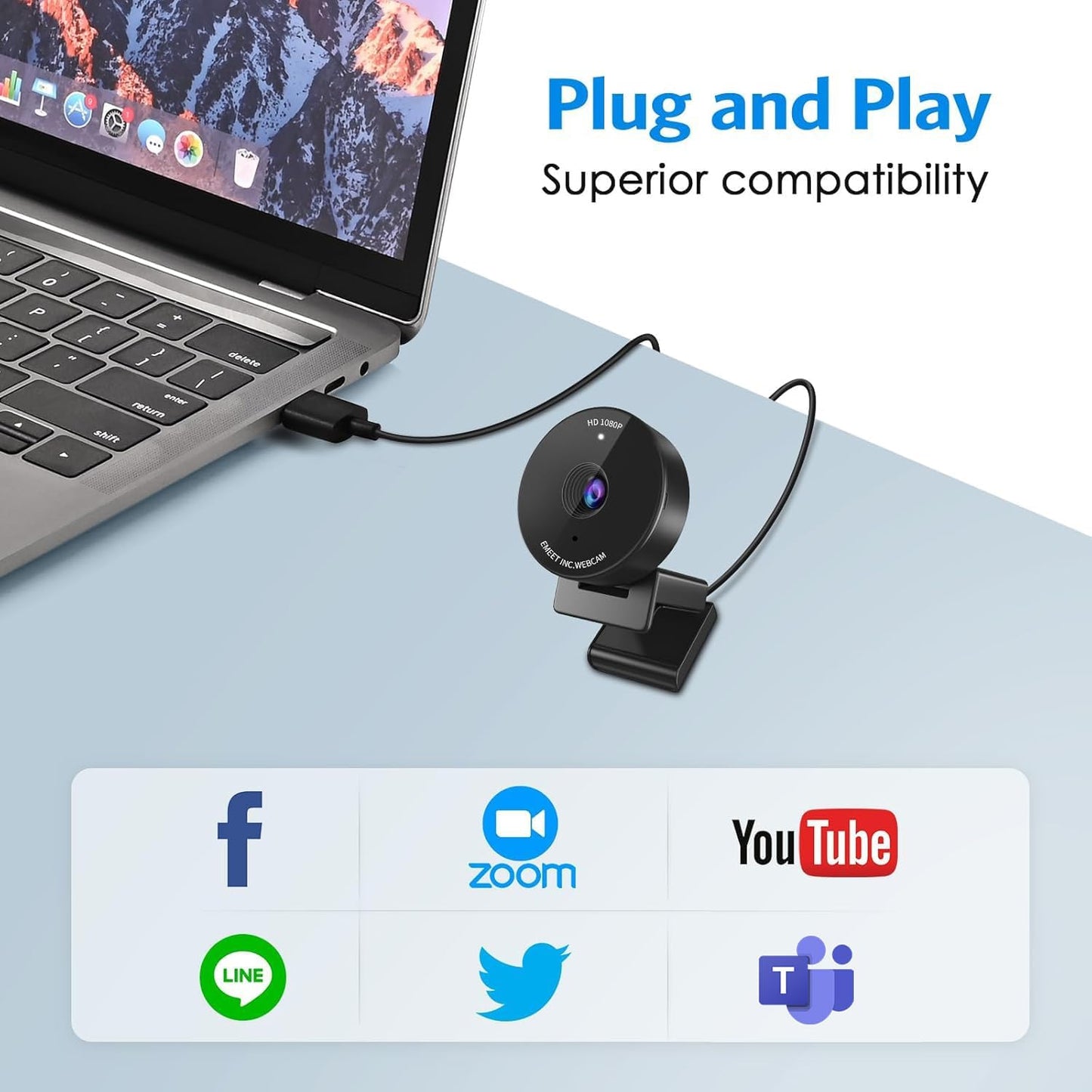
- Easy to Use with Wide Compatibility – The C950 webcam works with Windows (Win 10, 11), macOS (10.14+), Android TV (V7.0+), Linux, and USB Video Class (UVC) devices. Additionally, we recommend using the above mainstream operating systems instead of Chrome OS which may not be compatible with all versions and models. It supports popular video tools like Zoom, Microsoft Teams, Google Meet, Cisco Webex, Facetime, GoToMeeting, Lifesize, etc, ensuring seamless performance across platforms.
Overview
- Brand : EMEET
- Photo Sensor Technology : CMOS
- Video Capture Resolution : 1080p
- Maximum Focal Length : 30 millimeters
- Flash Memory Type : NOT Available, Rely on Your PC/Mac
- Video Capture Format : YUY2 / MJPEG
- Supported Audio Format : AAC, MP3, PCM
- Screen Size : 3.8 inches
- Connectivity Technology : USB
- Color : Black
- EMEET values the contributions of every individual in meetings and knows that everyone should be heard and seen. Established in August 2016, with the mission of "better communication, better world", we endeavored to create an intelligent mobile collaboration space. Today, EMEET is a prominent global company, specializing in R&D, production, and sales of AI-driven intelligent audio and video communication products and cloud services.
- Logitech C270
- Logitech Brio 101
- What operating systems are compatible with the C950 webcam?
- What should I do if the operating system’s privacy settings block the C950 webcam from being accessed or started
- For Windows: go to "Settings > Privacy > webcam" and ensure webcam access is enabled for both the system and specific applications.
- For macOS: go to "System Preferences > Security & Privacy > webcam" and enable access for necessary applications.
- Which video conferencing tools are supported by the C950 webcam?
- C950 works with Zoom, Teams, Google Meet, Webex, Facetime & more. Please close other webcam apps (e.g., conferencing or streaming tools) when using your preferred platform to avoid conflicts.
- How to ensure C950 webcam powers on properly?
- 1. Correct Connection: Connect the webcam directly to a USB 2.0 port (avoid hubs/extensions).
- 2. First-Time Use: PC should auto-detect it; restart if not.
Share