1
/
of
8
JideTech
JideTech 16 Port HDMI KVM Switch 4K@60Hz, USB 3.0, HDCP 2.1 & EDID, Control 16 Computers via One Monitor Keyboard Mouse, Hotkey Switching, 1U Rack Mount, Windows Mac Linux Unix
JideTech 16 Port HDMI KVM Switch 4K@60Hz, USB 3.0, HDCP 2.1 & EDID, Control 16 Computers via One Monitor Keyboard Mouse, Hotkey Switching, 1U Rack Mount, Windows Mac Linux Unix
Regular price
$839.99 USD
Regular price
Sale price
$839.99 USD
Shipping calculated at checkout.
Quantity
Couldn't load pickup availability
About This
- Control 16 Computers with One Console:Manage up to 16 HDMI computers, DVRs, or NVR systems using a single monitor, keyboard, and mouse setup. Ideal for server rooms, security monitoring centers, studios, office workstations, and IT rack environments.
- True 4K@60Hz Ultra HD Video Output:Supports crystal-clear 4K@60Hz HDMI output with smooth and stable image transmission. Perfect for professional applications such as monitoring systems, engineering workstations, broadcasting, and high-resolution visual tasks.
- Multiple Fast Switching Modes:Features 6 convenient switching methods including front panel push buttons, keyboard hotkeys, mouse switching, wired remote button, IR remote control, and RS232 command control for flexible operation.
- USB 3.0 Hub with Audio & Microphone Support:Built-in USB 3.0 hub supports data transfer speeds up to 5Gbps for external drives, keyboards, and USB devices. Includes independent audio and microphone ports for multimedia and communication applications.
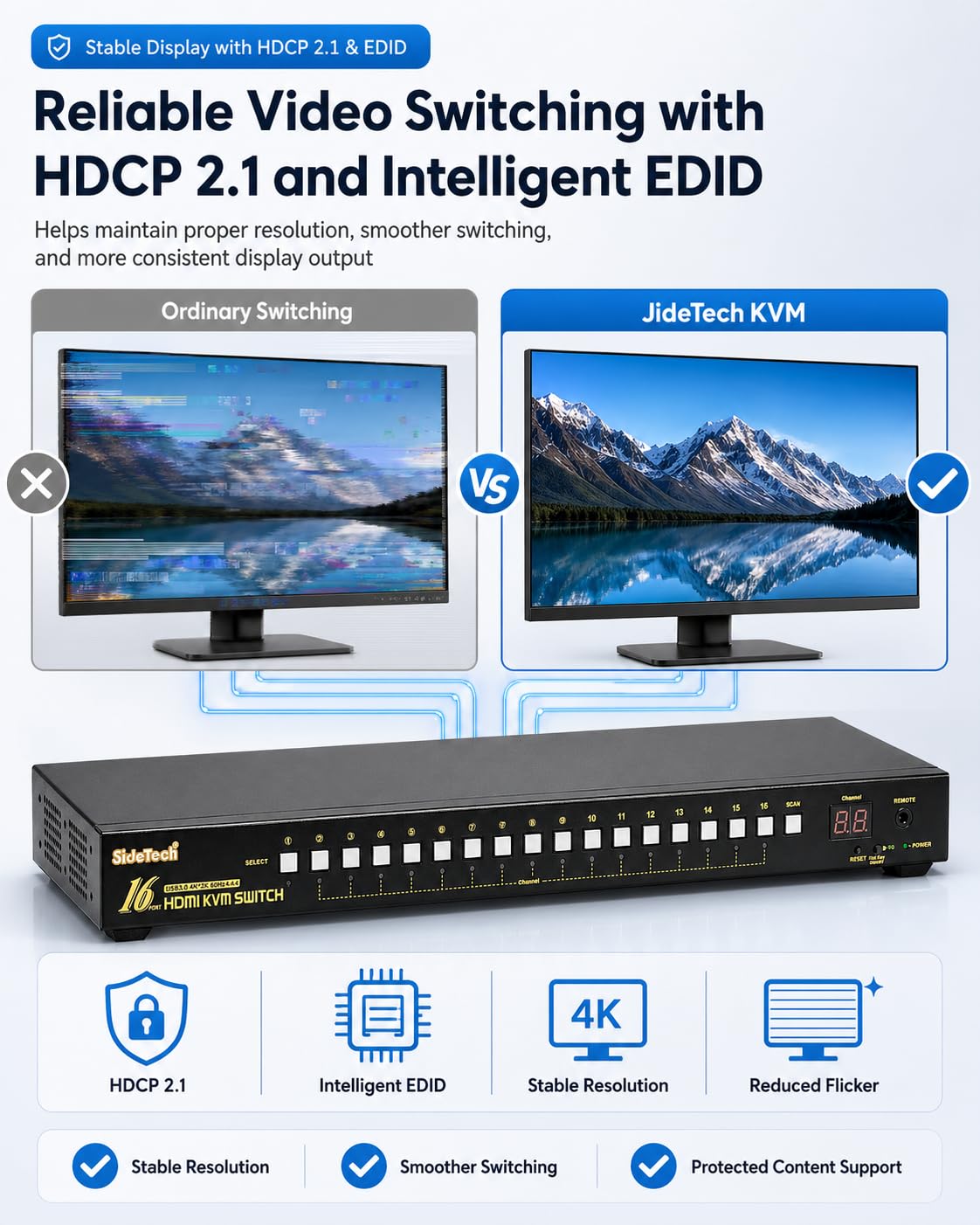
- Intelligent EDID & Wide System Compatibility:Integrated intelligent EDID emulation ensures stable display recognition and smoother switching between systems. Compatible with Windows, Linux, Mac OS, DVR, NVR, and other HDMI-enabled devices. Plug-and-play with no driver required.
Overview
- Operation Mode : ON-OFF
- Current Rating : 2 A
- Operating Voltage : 12 volts
- Contact Type : Normally Open
- Connector Type : Plug In
- Brand : JideTech
- Switch Type : 16x1 Hdmi Usb Kvm Switch3.0
- Terminal : Screw
- Material : Metal
- Circuit Type : 16-way
- Installation Step
- 1. Connect the KVM switch and computers by HDMI cables, and USB 3.0 cables that come with the KVM switch;
- 2. connect the KVM switch and monitor by HDMI cable;
- 3. plug the keyboard into the keyboard slot, plug the mouse into the mouse slot of the KVM switch, plug wired remote push-button switch/other USB devices/headset/IR remote into the KVM switch if needed;
- Package include
- 1 x 16 Port KVM switch + 16 x HDMI Cables + 16 x USB 3.0 cables + 1 x DC 5V 2A Power adapter + 1 x User manual + 1 x wire remote push button + 1 x IR remote + 2 x rack mount hook
- 1. IR remote not include battery, you need buy it separately (battery specification is CR2025 3V).
- 2. The KVM switch comes with a DC5V 2A power adapter, we suggest you plug it into the KVM switch and AC socket, to avoid damaging your devices cause the power supply is not stable.
- Compatible System
- Windows Series, Mac, IOS, Unix, Linux, Dos, Netware
- Support 4K@60Hz, 2K@120Hz and backward compatible with lower resolutions.Adaptive to different resolutions of different devices without manual setting.
- Questions & Answers
- 1. How to reset the KVM switch? (You can reset the KVM switch when you meet USB disconnect or monitor issue)
- Step 1. Turn off the KVM switch and all of your computers/laptops, then unplug all the cables;
Share