1
/
of
8
Govee
Govee Gaming Light for Monitor G1, RGBIC LED Backlight for 27-34 Inch PC | Smart LED Lights for Monitors with Color Matching, Adapts to Curved Monitors, Double Strip Light Beads with 123 Scene Modes
Govee Gaming Light for Monitor G1, RGBIC LED Backlight for 27-34 Inch PC | Smart LED Lights for Monitors with Color Matching, Adapts to Curved Monitors, Double Strip Light Beads with 123 Scene Modes
Regular price
$89.98 USD
Regular price
Sale price
$89.98 USD
Shipping calculated at checkout.
Quantity
Couldn't load pickup availability
About This
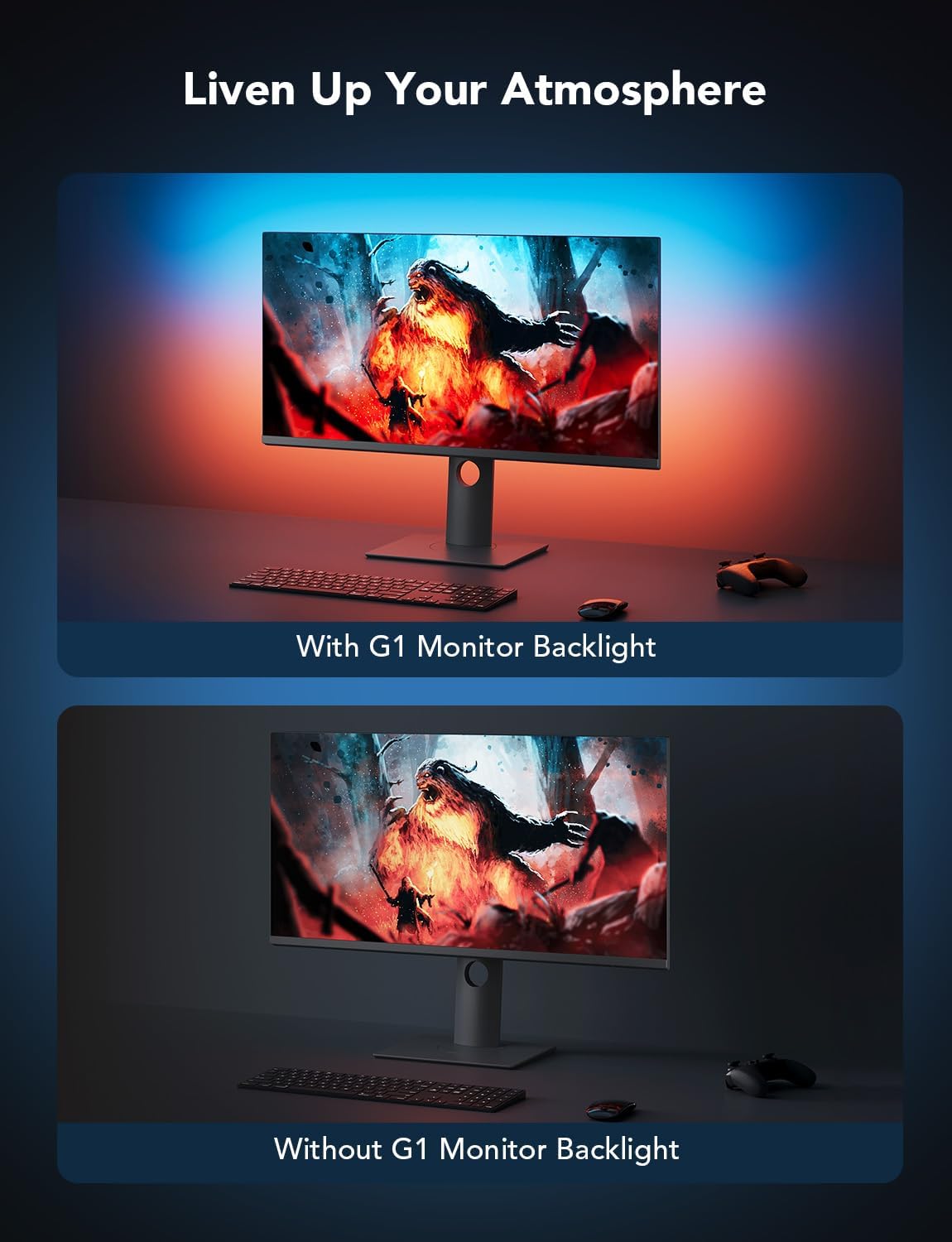
- Govee VibraMatch Technology: With Govee's VibraMatch color-matching technology, vivid RGBIC lighting is presented by reading pixel points on the screen when playing games with high scene-changing speed and vibrant colors.(Note: Some streaming media content has copyright protection, and the content of the screen cannot be selected)
- Enhanced RGBIC Lighting: High-density LED gaming light beads make a more even distribution of the lights to create exquisite lighting effects. Divide and filter the RGB values to highlight game elements such as explosions and lightning.
- Non-Divisive Atmosphere: With Govee PC DreamView Technology, you can achieve intelligent synchronization with at least 10 Govee gaming LED light products and create an all-encompassing lighting experience. The lights are also compatible with Razer Chroma.
- Personalization Settings via App: With 123 preset scene modes and 11 music modes, users can freely select the lighting effects suitable for different scenes and moods, creating more focused lighting effects and making their gaming world more dynamic.
- 360° 4-sided Color Matching: The length of the gaming strip light fits perfectly on all four sides of the screen, fully capturing color changes on the screen for an all-around presentation of color effects, creating more realistic visual experiences.
- Easy Assembly & Use: Stick the gaming light strip on the back of the PC, and connect Govee Home App and the Govee Desktop software to realize the screen color-matching function. The light strip is also suitable for 27-34 inch curved screens.
Overview
- Color : Multicolor
- Shape : strip
- Material : Plastic
- Light Source Type : LED
- Shade Material : Plastic
- Gaming Light Strip H6609
- AI Sync Box 2 H6604112
- AI Gaming Box Kit 2 H6603
- AI Sync Box 2 H6604113
- Recessed Downlight B601F
- Govee Y Lights H6065
- Govee Glide Lively H610A
- How to Use the DreamView Function on a PC?
- Connect the mobile app to the device via Wi-Fi, and turn on LAN Control. Download Govee Desktop, and make sure the computer and device are connected to the same Wi-Fi. Click "DreamView" on the software to enter a name and complete the creation.
- Does the PC software support MacOS?
- At this time, the PC software only supports Windows10 and Windows 11.
- Do the computer and the device have to be connected to the same Router?
- To realize the function of DreamView and the color-picking methods, the PC and the device must be connected to the same Router.
- How to Access Razer Chroma?
- Open the Govee Desktop software, enter the "Group Control List" column, click "add," select the corresponding device, and enter the name to complete the creation. Note: If it cannot be created, please refer to the FAQ on the software for details.
- Why can't the device pick up the content of the screen when watching some streaming media? (eg: Netflix; IMDB, etc.)
- Some streaming media content has copyright protection. (eg: Netflix; Max; IMDB; DisneyPlus; Primevideo; Hulu; Crunchyroll, etc.) When you watch such content, PC software cannot pick up the content of the screen in real time.
- How to Use the DreamView Function on a PC? Connect the mobile app to the device via Wi-Fi, and turn on LAN Control. Download Govee Desktop, and make sure the computer and device are connected to the same Wi-Fi. Click "DreamView" on the software to enter a name and complete the creation.
Share