1
/
of
8
Plugable
Plugable 5-in-1 USB C Hub for MacBook Pro & Air M1/M2/M3/M4/M5
Plugable 5-in-1 USB C Hub for MacBook Pro & Air M1/M2/M3/M4/M5
Regular price
$47.92 USD
Regular price
Sale price
$47.92 USD
Shipping calculated at checkout.
Quantity
Couldn't load pickup availability
About This
- MacBook Expansion - A premium hub MacBook Pro and Air users can trust. Adds 2x USB 3.0, combination audio port, Gigabit Ethernet, space for a MagSafe charger, and a USB4 / Thunderbolt 4 compatible USB-C port that can do anything your Mac's native port can do, even 6K video
- Award-Winning and Ultra-Capable USB-C - Winning the best budget 40Gbps USB-C hub for Mac from Macworld, the fully loaded USB-C port supports Thunderbolt 4, USB4, up to 40Gbps transfer, 6K 60Hz video output, and up to 100W pass-through charging
- MagSafe Ready Design - Connects directly to both USB-C ports on your MacBook without blocking MagSafe. Provides dependable connectivity with a refined design that complements both MacBook Air and MacBook Pro
- Compatibility - Ideal multiport hub for MacBook Pro and Air systems with Apple Silicon CPUs and USB-C/USB4 ports. Not compatible with Windows, Chrome, Linux. Not compatible with laptop covers
Overview
- Brand : Plugable
- Color : Silver
- Hardware Interface : USB
- Special Feature : Fast Data Transfer, Lightweight, Pass Through Charge, Plug and Play, Portable
- Compatible Devices : M1 / M2 / M3 / M4 / M5 MacBook Pro and MacBook Air
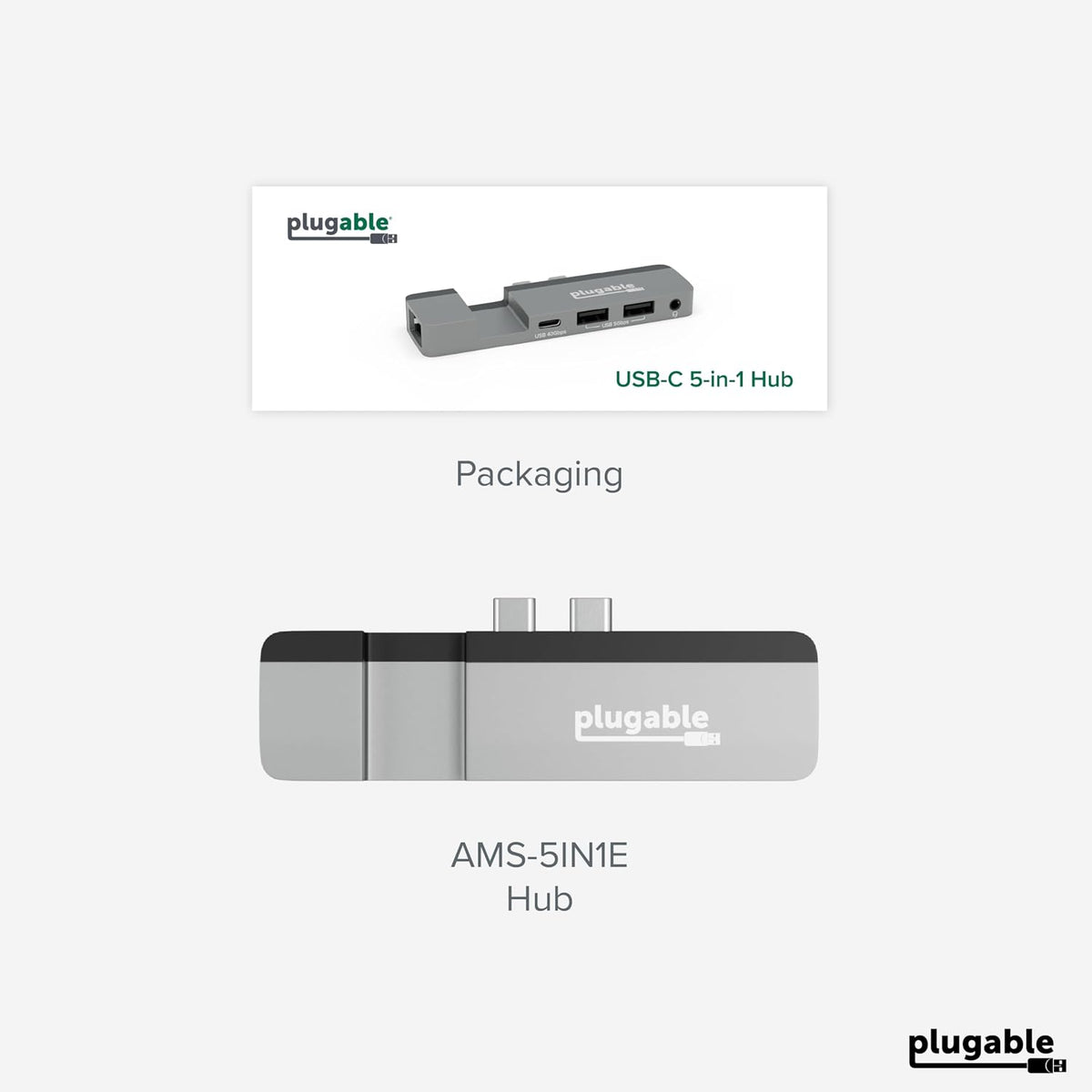
- Your MacBook was designed to “just work.” So when you add an accessory, you expect the same. That’s why the Plugable USB-C 5-in-1 Hub (AMS-5IN1E) features a Thunderbolt 4 and USB4 compatible USB-C port – a rarity in similar MacBook hubs - so you get the same performance out of the hub that you’d expect from your laptop, and of course, space for MagSafe charging.
- With no drivers to download or software to install, this adapter for MacBook Pro and MacBook Air is ready for easy expansion. Just plug the AMS-5IN1E into the two USB-C ports on the side of your Mac for quick access to 2x USB 3.0 ports (5Gbps), perfect for a keyboard or legacy accessory. The full-featured USB-C port (40Gbps) can do anything you’d expect from one of your Mac’s USB-C ports, including extending your display up to 6K 60Hz. And of course, take advantage of the Gigabit Ethernet port for a strong, stable connection. It even has a combination audio port for good measure.
- Compatible with M1 / M2 / M3 / M4 / M5 MacBook Pro and MacBook Air.
- Designed for direct connection to MacBook Pro and MacBook Air systems with Apple Silicon (M1, M2, M3, M4, M5) and USB-C/USB4 ports, the hub maintains a low-profile footprint and ensures optimal port alignment. Note: the hub is not compatible with protective laptop cases due to its flush-fit design.
- This MacBook Pro hub is designed for MacBook Pro and MacBook Air systems with Apple Silicon CPUs and MagSafe, including the M1, M2, M3, M4 and M5.
- MacBook adapter multiport expansion with 2x USB 3.0, 1x USB-C (40Gbps), Combination audio jack, Gigabit Ethernet.
- Just connect the USB-C hub to your Mac. No drivers or installation required.
- Compatible with M1/M2/M3/M4/M5 MacBook Pro and Air systems with Apple Silicon CPUs and USB-C/USB4 ports. Note: not compatible with laptop cases
- Can I Connect the AMS-5IN1E to a MacBook That Doesn't Have MagSafe?
- The spacing between the two USB-C ports on MacBook's are consistent across all models, so the hub can still connect and function to the specifications of the USB-C ports.
- Can I Use My AMS-5IN1E With a Case on My MacBook?
- The AMS-5IN1E connects perfectly flush to the MacBook, so it will not be compatible with any cases as they prevent the hub from seating properly.
- What Are the Dimensions of the AMS-5IN1E?
- Length: 10.8 cm
- Width: 2.9 cm / 3.7 cm including the USB-C connectors
- Height: 1.1 cm at the USB ports / 0.5 cm at the MagSafe cutout / 1.3 cm at the Ethernet port
- Does the AMS-5IN1E support displays?
- The USB-C port on the AMS-5IN1E works like the one on your MacBook, supporting USB-C monitors, HDMI displays via USB-C adapters, or a full docking station. Its display capabilities match those of the MacBook it’s connected to.
Share