1
/
of
8
Amazon
UGREEN USB C Hub for Laptop Revodok 7 in 1 Dock 4K HDMI to USB C Adapter | 100W PD Charging, USB-C & 2 USB-A 5Gbps Data Ports, SD/TF Card Reader for MacBook Neo/Pro/Air, iPad Pro, XPS, Thinkpad
UGREEN USB C Hub for Laptop Revodok 7 in 1 Dock 4K HDMI to USB C Adapter | 100W PD Charging, USB-C & 2 USB-A 5Gbps Data Ports, SD/TF Card Reader for MacBook Neo/Pro/Air, iPad Pro, XPS, Thinkpad
Regular price
$35.63 USD
Regular price
Sale price
$35.63 USD
Shipping calculated at checkout.
Quantity
Couldn't load pickup availability
About This
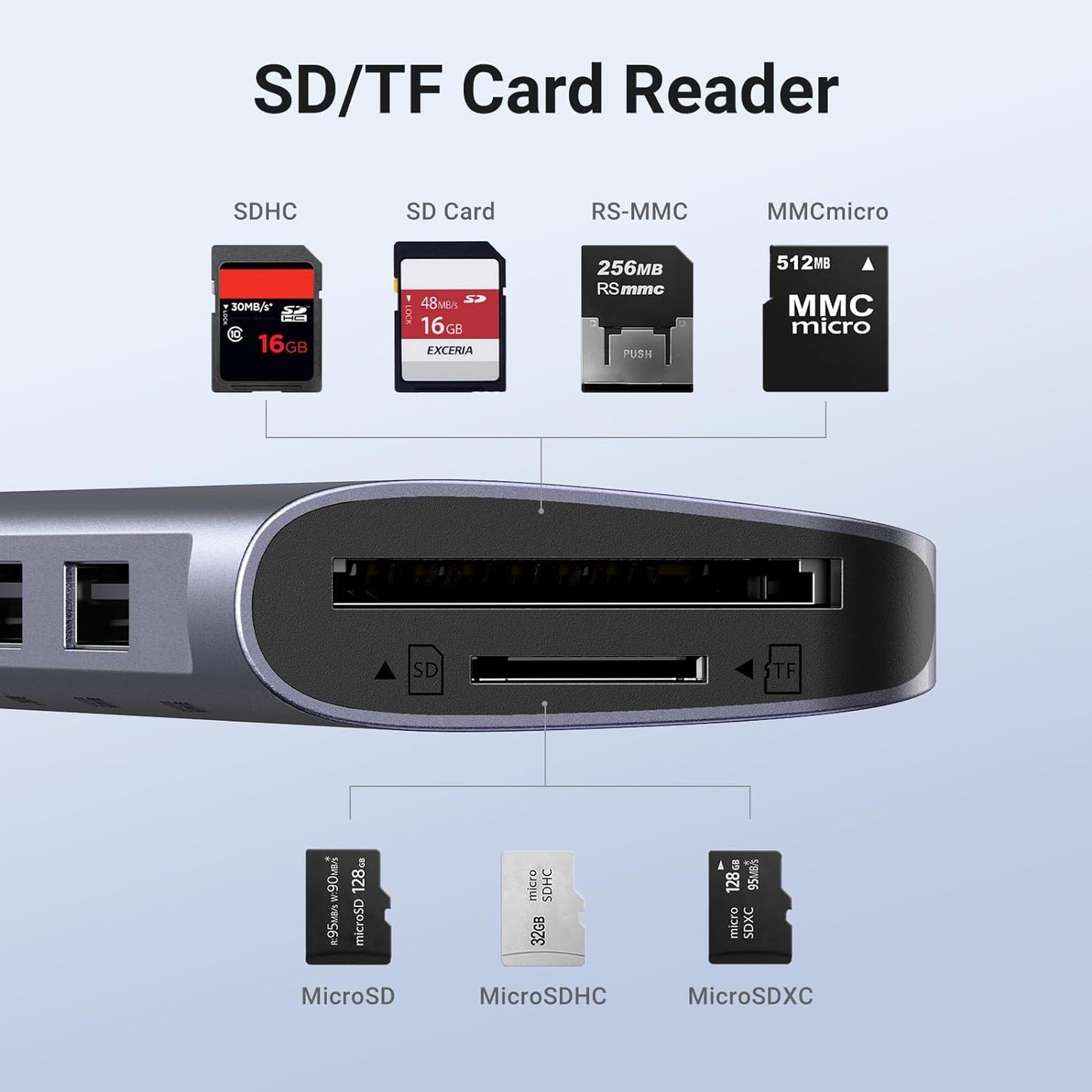
- 7-in-1 USB C Hub: Inspire more potential of your laptop’s USB-C port with 5Gbps USB-C & USB-A data ports, 4K HDMI, 100W Power Delivery, and SD/Micro SD card reader.
- Brillant 4K Display: Simply connect to an external monitor via the 4K HDMI port of the usb c dongle to see all in sharp and glorious detail.
- Powerful 100W Charging: USB C hub for laptop supports up to 95W USB C pass-through charging via Type-C port to keep your laptop powered. 5W is reserved for other interface operations.
- Transfer Files in Second: Transfer files, movies, and photos at speeds up to 5 Gbps via the USB-C data port and dual USB-A ports. To ensure the stable data transfer, please connect two 2.5inch hard drives at max.
- Broad Compatibility: The USB C dongle is compatible with almost USB-C devices such as MacBook Neo, MacBook Pro, MacBook Air, MacBook M1, M2,M3, M4,M5, iMac, iPad Pro, iPhone 15 Pro/Pro Max, Chromebook, Surface, Steam deck, Rog Ally etc.
Overview
- Brand : UGREEN
- Color : Space Gray
- Hardware Interface : HDMI, MicroSD, USB, USB Type C
- Special Feature : 100W Power Delivery, 4K HDMI
- Compatible Devices : MacBook Neo, Macbook M5/M4/M3/M2/M1, USB Flash Drives, external drive
- Revodok 7 in 1
- USB C Hub 5-in-1
- Mac mini M4 Dock
- USBC Hub With Screen Lock
- UGREEN 4K 60Hz USB C Hub
- Revodok 10Gbps USB C Hub
- 1. What can I do if the HDMI port cannot work?
- a. Please ensure that the USB C port on the host device supports video output.
- b. Check if you have chosen the correct input source on the monitor and lower the resolution to see the result.
- c. Re-plug the HDMI cable and try the hub with another monitor.
- 2.What can I do if the USB ports disconnect?
- a. The Max output power of the USB ports is 2A. The total power consumption of the USB devices should be within 2A. For 2.5inch HDD/SSD, we suggest connecting up to two 2.5” 1TB HDD/SSD at once.
- b. Please do not plug into/out the PD charger when using the hub.
- c. Connect another USB device to the port for a try.)
Share