1
/
of
8
ACASIS
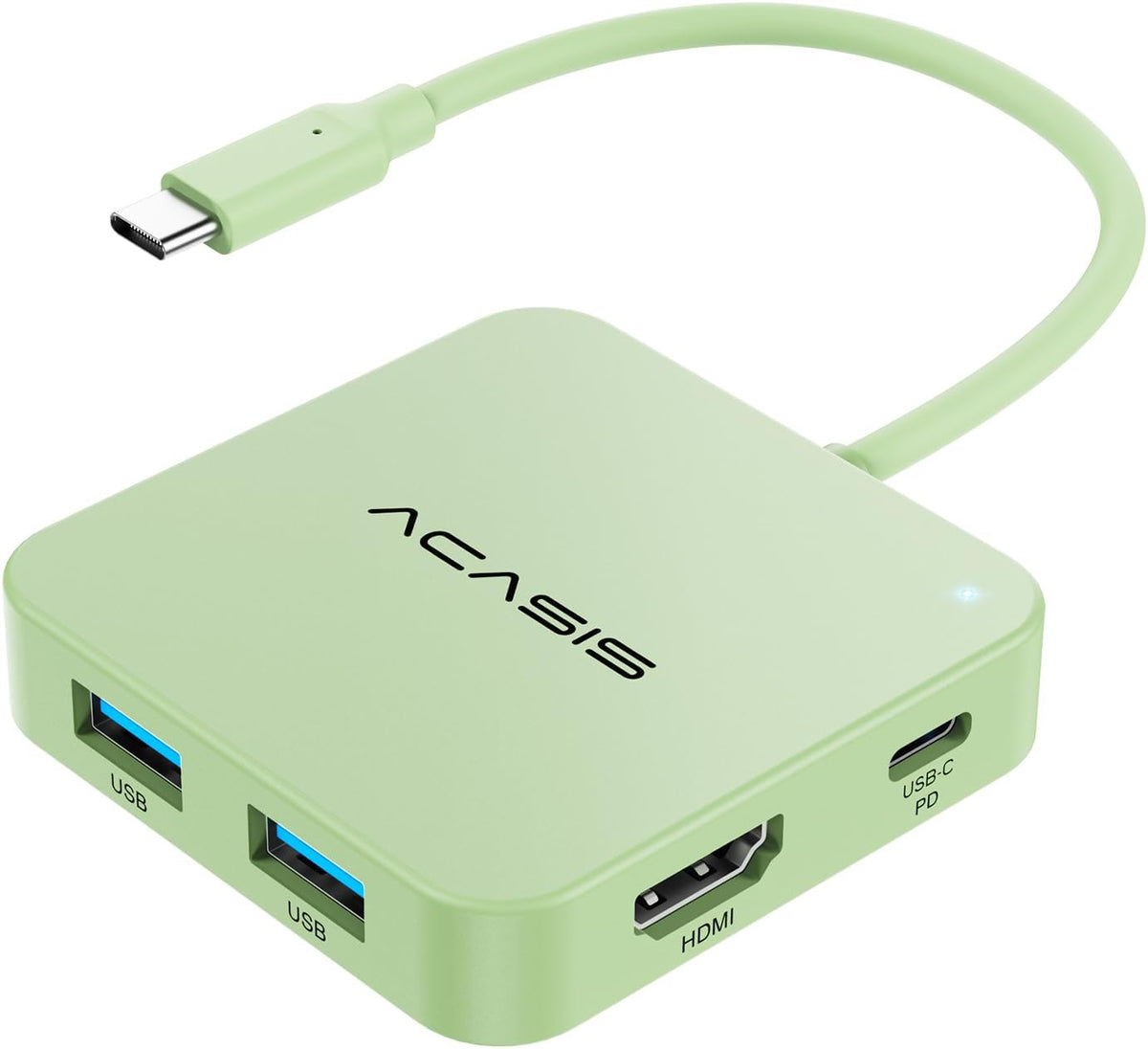
ACASIS USB C Hub 10Gbps, USB C to 4K 60Hz HDMI Adapter for Laptop/MacBook | 6-in-1 USBC Multiport Adapter with 100W Power Delivery, HDMI to USB C Adapter for Dell, Lenovo, Surface, iPad
ACASIS USB C Hub 10Gbps, USB C to 4K 60Hz HDMI Adapter for Laptop/MacBook | 6-in-1 USBC Multiport Adapter with 100W Power Delivery, HDMI to USB C Adapter for Dell, Lenovo, Surface, iPad
Regular price
$19.48 USD
Regular price
Sale price
$19.48 USD
Shipping calculated at checkout.
Quantity
Couldn't load pickup availability
About This
- ACASIS 6 IN 1 10Gbps Type C to HDMI AdapterWith 4K 60Hz HDMI, 3 USB A 3.1, 1 USB C 3.1, and PD 100W USB C charging port, this usb c adapter supports data transfer, display expansion, charging, basically meet different ports needs. Notemake sure your computer type c port can support video transmission( USB 4.0/Thouderbolt 3/Thouderbolt 3 can support)
- 4K@60Hz USB C Hub HDMIMirror your screen to monitors or projectors for a large viewing, this USB C to HDMI hub works for desktop, laptop and mobile phones. ONLY 1 HDMI PORTEXPAND 1 MONITOR ONLY
- PD 100W Fast ChargingWith 100W Charging USB C port, the usb c dock can charge your laptops/tablets/phone quickly when you using other ports.
- Transfer Files in Seconds:Transfer files, movies and photos at speeds up to 10 Gbps via the USB-C data port and USB-A ports Transfer 1G movie in 2-3 seconds.The C port marked with 10Gbps can only be used for data transmission, and does not support video output or charging.
Overview
- Brand : ACASIS
- Color : Black
- Hardware Interface : USB
- Special Feature : Portable
- Compatible Devices : Laptops
- 40Gbps Mac mini M4 Dock
- DisplayLink Adapter
- USB C Docking Station DP
- 10G USB C Hub Long Cable
- USB C Hub 10Gbps (Black)
- Hybrid 10 Port USB Hub
- HDMI Port Does Not Work?
- (1) NOT ALL TYPE C CAN DO VIDEO AND AUDIO TRANSMISSSION! Make sure your computer type c port can support video transmission( USB 4.0/Thouderbolt 3/Thouderbolt 3 can support ).
- (2) Mobile phone must support OTG function to transmit video
- Not Charging——Charging instructions for use 1
- Make sure your computer's port supports the PD3.0 charging protocol
- Make sure the charger supports PD3.0 charging protocol(20V5A 100W power recommended)
- The HDMI interface is not displaying.
- Check the power connection.
- Check the HDMI cable.
- Switch input source.
- Adjust display settings.
- Check the driver program.
- Does the USB or HDMI port suddenly not respond?
Share