1
/
of
8
MOUNTUP
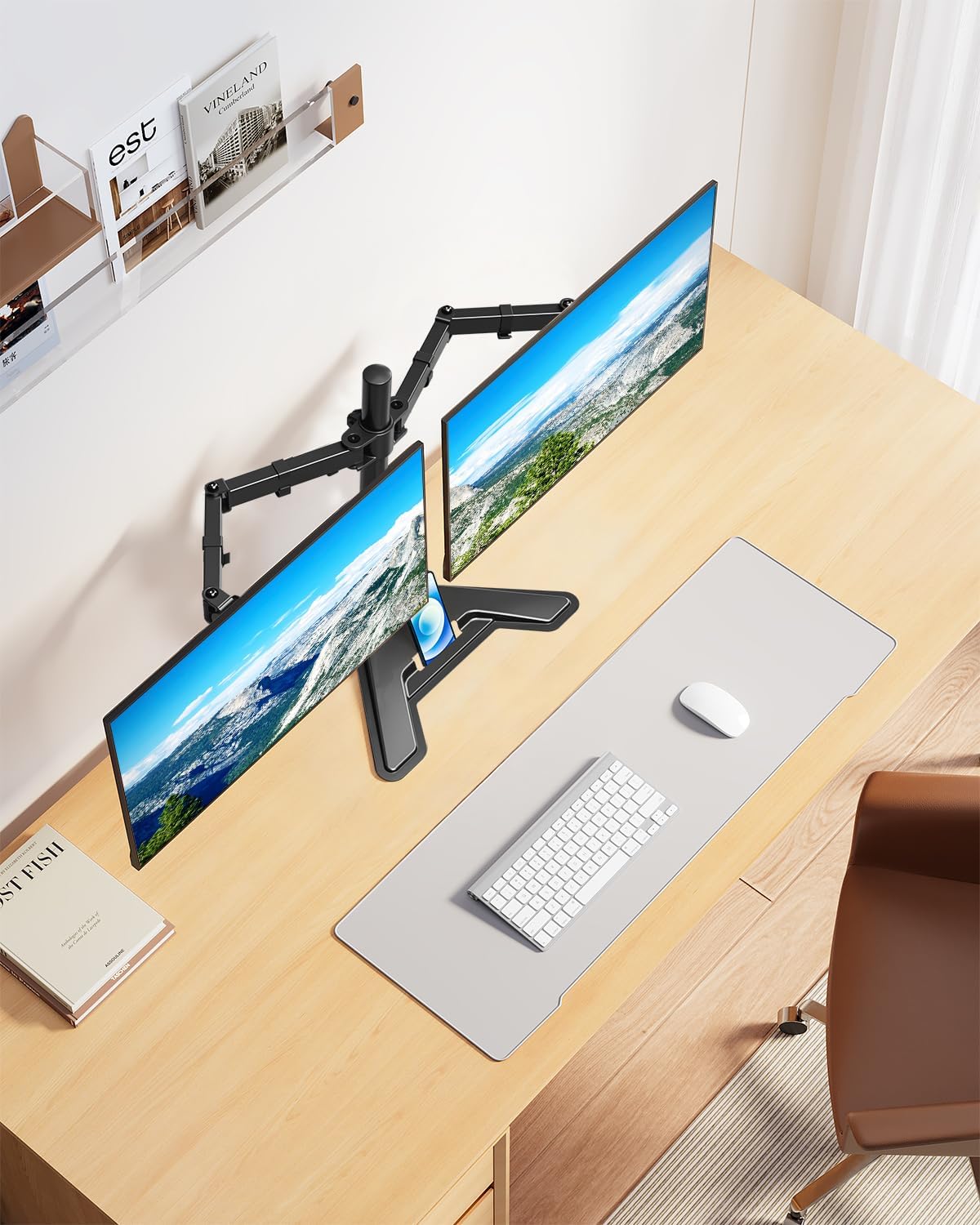
MOUNTUP Dual Monitor Stand - Freestanding & Height Adjustable Monitor Desk Mount, Steady VESA Mount Holds Max 17.6 lbs, Computer Monitor Stand for 2 Screens up to 27 inches, For Home Office
MOUNTUP Dual Monitor Stand - Freestanding & Height Adjustable Monitor Desk Mount, Steady VESA Mount Holds Max 17.6 lbs, Computer Monitor Stand for 2 Screens up to 27 inches, For Home Office
Regular price
$59.98 USD
Regular price
Sale price
$59.98 USD
Shipping calculated at checkout.
Quantity
Couldn't load pickup availability
About This
- Universal Compatibility - Dual monitor mount fits with two screens max 27 inches and 17.6 lbs weight capacity. Compatible VESA pattern 75x75/100x100mm. Hanging 2 monitors simultaneously is an easy task.
- Freestanding Base - Hassle-free installation, no need to drill any grommet hole on your desk or use any clamp. Thus the goal of space-saving could be achieved. Glass table top is also compatible with this stand and no scratches would be made.
- Professional Space Saver - Save up your desk space by holding 2 branching monitor arms. It takes your desk organization to a whole new level. Just enjoy your working, gaming, or viewing hours in a more comfortable environment.
- Multifunctional Monitor Stand- This Dual monitor arm could rotate 360 degrees for landscape or portrait orientation. Swivel 180 degrees to share your display. Tilt +70° to -90° degrees for better viewing. It's easy to find the right viewing angle and position.
- Heavy Duty Standing Base - Heavy-gauge steel is strong enough to ensure the safety and security of your dual monitor setup. Backed by MOUNTUP 3-year support.
Overview
- Color : Black
- Material : Alloy Steel
- Brand : MOUNTUP
- Finish Type : black
- Load Capacity : 17.6 pounds
- Screen weight must be centered for stand to remain balanced
- How to determine if it fits my table and monitor?
- Dual monitor stand (MU1002) suitable for wood, glass and metal tables, and fits up to 27 inches, 17.6 lbs. monitors. VESA plate is 75x75mm and 100x100mm.
- What if my monitor doesn't have a VESA hole?
- Pick up one of our universal VESA mount adapter kit (MU0045).
- What if the product is unstable after installation?
- Please try to adjust the extension angle of the arm so that both arms can reach a balanced state.
- How to adjust the tilt angle?
- 1. Loosen the bolt 1-2 turns with the Allen Key
- 2. Hold the monitor with both hands and adjust it to the right position
- 3. Tighten the bolt firmly with the Allen Key
- Dual Monitor Stand
- Freestanding Mount
- Dual Monitor Mount
- Dual Monitor Arm
- Triple Monitor Mount
Share