1
/
of
8
EMEET
EMEET PIXY Dual-Camera AI-Powered PTZ Camera 4K, AI Tracking | PDAF&AI Autofocus 0.2s, 1/2.55'' Sony Sensor, 3 Mics, Presets, 4K Webcam for Streaming and OBS/Twitch/Switch 2 Compatible
EMEET PIXY Dual-Camera AI-Powered PTZ Camera 4K, AI Tracking | PDAF&AI Autofocus 0.2s, 1/2.55'' Sony Sensor, 3 Mics, Presets, 4K Webcam for Streaming and OBS/Twitch/Switch 2 Compatible
Regular price
$149.98 USD
Regular price
Sale price
$149.98 USD
Shipping calculated at checkout.
Quantity
Couldn't load pickup availability
About This
- World's 1st Dual-Camera AI-Powered PTZ 4K Webcam - EMEET PIXY combines a 4K main imaging camera with PDAF focus and 1/2.55" sensor for ultra-clear video. Another auxiliary AI camera detects face position to optimize autofocus and exposure for flawless skin tones under any light. PDAF and AI Autofocus work together for blink-speed 0.2s focusing vs Others’ 1.1s. Ideal for both still and moving scenes like beauty streaming, product demos, fitness shows, online teaching, business meetings and more.
- 3-chip Smoother Intelligent Tracking - PIXY streaming camera uses 3-chip AI for faster, smoother performance than 1-chip models. The imaging chip keeps stable framing, AI assist chip predicts motion and lighting for seamless tracking, and the PTZ chip enables 310° pan/180° tilt. Gesture control activates with an open palm held center for 2s. As dancers spin, step, and move across the stage, PIXY web cam automatically adjusts to keep bodies centered and skin tones flawless for video streaming.
- 3-Mic Array for Multiple Scenes - EMEET PIXY PTZ camera uses a triple-mic array for crystal-clear sound. Live Mode filters steady noise like fans&AC for smooth live streams. Noise Canceling Mode blocks both steady hums and sudden sounds like keyboard clicks or door slams, designed for podcasts, courses, and recordings. Original Sound Mode captures full ambient detail for music and singing.With multiple recording modes, PIXY streaming webcam achieves studio-grade versatility without extra mics.
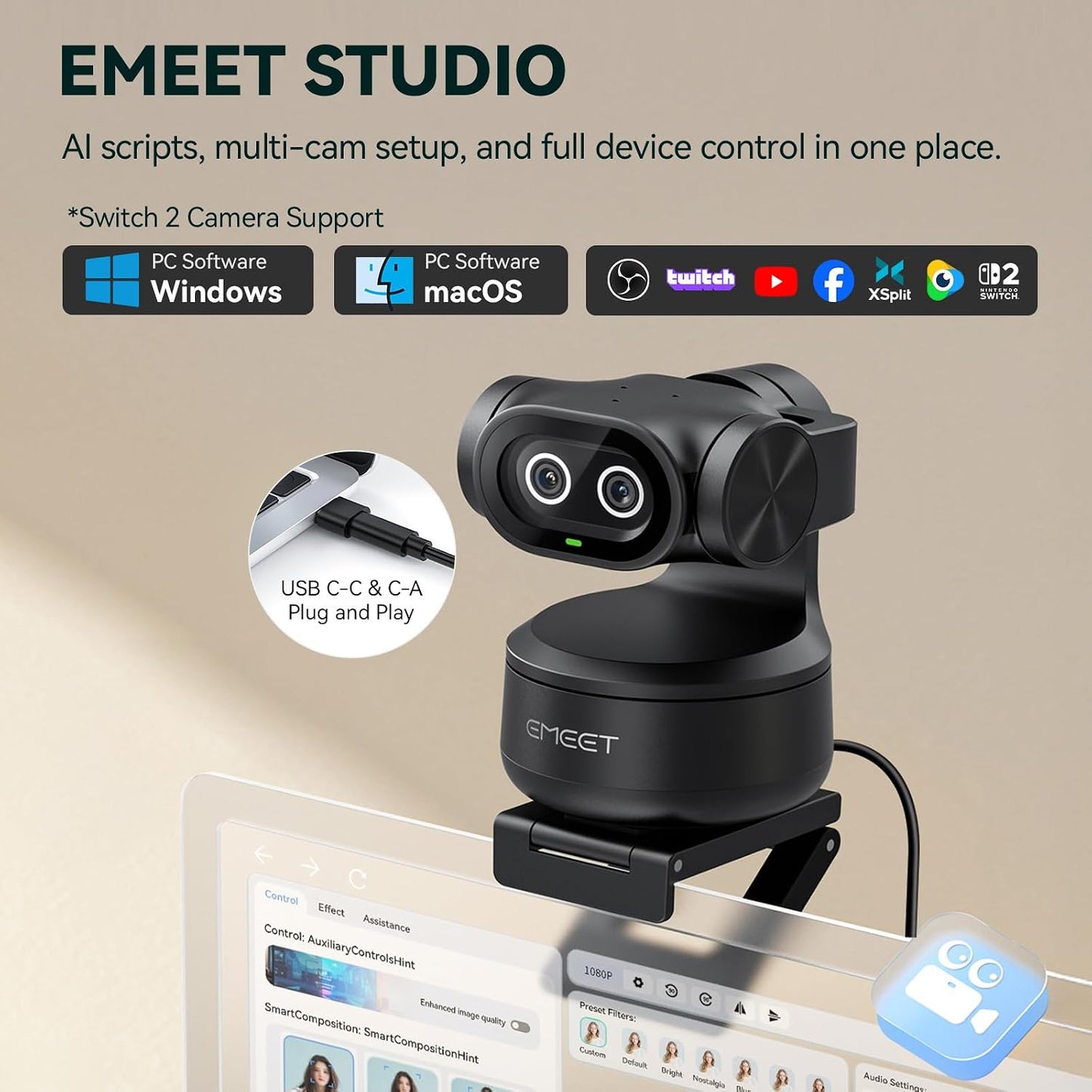
- PIXY Makes Pro Studio Easy, Affordable & Engaging - PIXY 4K webcam for PC with "adorable dual eyes" delivers emotional, immersive streams. Dual-axis PTZ smoothly tracks every move without blind area. Mount via clip (included) or tripod (sold separately). Compatible with OBS, Twitch, YouTube, Switch 2 Camera, Xbox, Windows 10+ (64-bit), macOS 10.14+. Unlike gear-heavy phones or costly DSLRs, PIXY live streaming camera unifies imaging, tracking, audio, and AI into one facecam.
Overview
- Brand : EMEET
- Photo Sensor Technology : SONY
- Video Capture Resolution : 4K
- Maximum Focal Length : 3 meters
- Maximum Aperture : 1.8 f_stop
- Flash Memory Type : NOT Available, Rely on Your PC/Mac
- Video Capture Format : YUY2 / MJPEG
- Supported Audio Format : AAC, PCM
- Screen Size : 3.8 inches
- Connectivity Technology : 5 ft USB 2.0 C-C Cable and Type-C to A adapter
- EMEET values the contributions of every individual in meetings and knows that everyone should be heard and seen. Established in August 2016, with the mission of "better communication, better world", we endeavored to create an intelligent mobile collaboration space. Today, EMEET is a prominent global company, specializing in R&D, production, and sales of AI-driven intelligent audio and video communication products and cloud services.
- EMEET PIXY PTZ Camera
- EMEET PIXY PTZ Wireless
- OBSBOT Tiny 2 Lite
- OBSBOT Tiny 2 SE
- Insta 360 Link 2
- Insta 360 Link 2C
- Elgato Facecam 4K
- How to ensure the 4K video quality?
- PIXY uses a SONY 1/2.55" sensor with true 4K resolution, but image quality depends on lighting. In low light or strong backlight, images may look grainy, dark, or washed out. For best results, use in bright natural light or add lighting.
- Why does AI auto-tracking sometimes lose me or feel delayed?
- PIXY’s AI tracking works best for single-person or moderate movement. In multi-person or fast-motion scenes, it may lose the target or show delays. For best results, keep one main subject in frame and ensure good lighting.
- Why can’t the webcam connect to my device or software?
Share